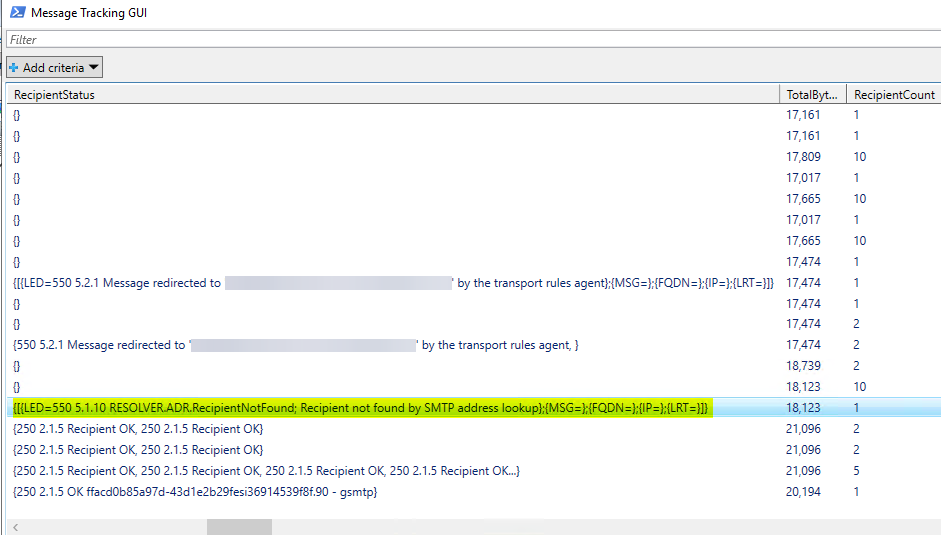
To troubleshoot and fix the 550 5.1.10 RESOLVER.ADR.RecipientNotFound issue within your Exchange environment, proceed with the following instructions:
1- Launch the Exchange Management Shell (EMS).
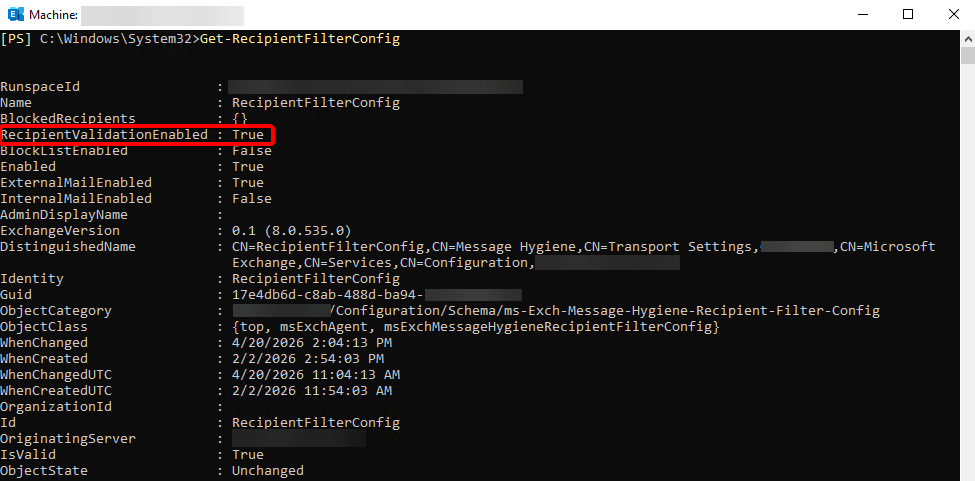
2- Run the Get-RecipientFilterConfig cmdlet.
Get-RecipientFilterConfigThe output shows the RecipientValidationEnabled property as True.
3- Navigate to the specific directory where the Exchange installation scripts are located using the command line.
cd $env:ExchangeInstallPath\Scripts
4- Uninstall the anti-spam agents. This will remove the following anti-spam agents:
- Content Filter Agent
- Sender Id Agent
- Sender Filter Agent
- Recipient Filter Agent
- Protocol Analysis Agent
.\uninstall-AntispamAgents.ps1
5- Disable the recipient validation.
Set-RecipientFilterConfig -RecipientValidationEnabled $false
6- Restart the Microsoft Exchange Transport Service.
Restart-Service MSExchangeTransport
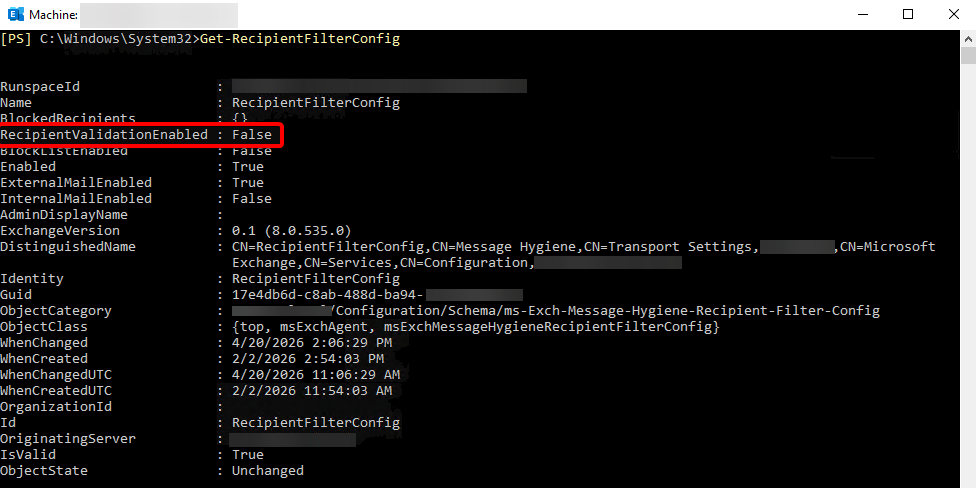
7- Run the Get-RecipientFilterConfig cmdlet.
Get-RecipientFilterConfigThe output shows the RecipientValidationEnabled property as False.