Preparing the Custom Background
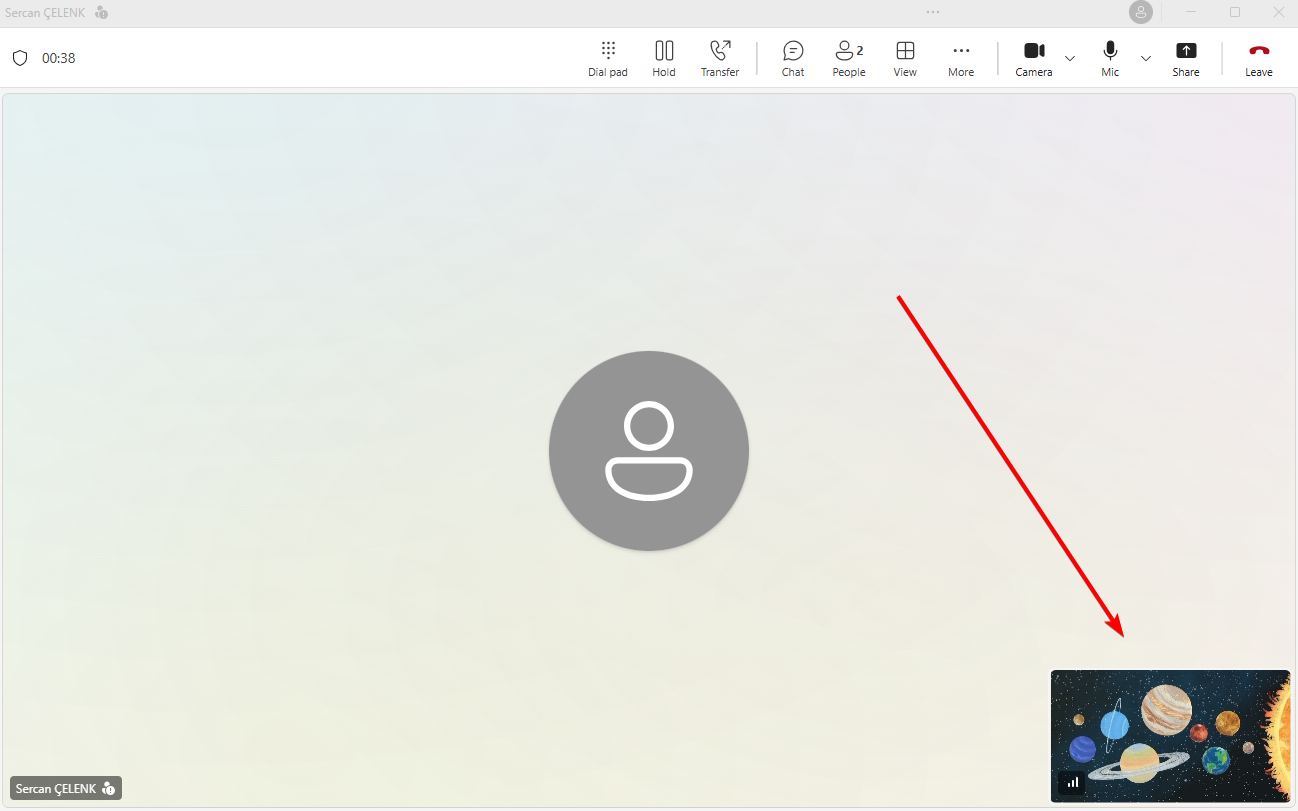
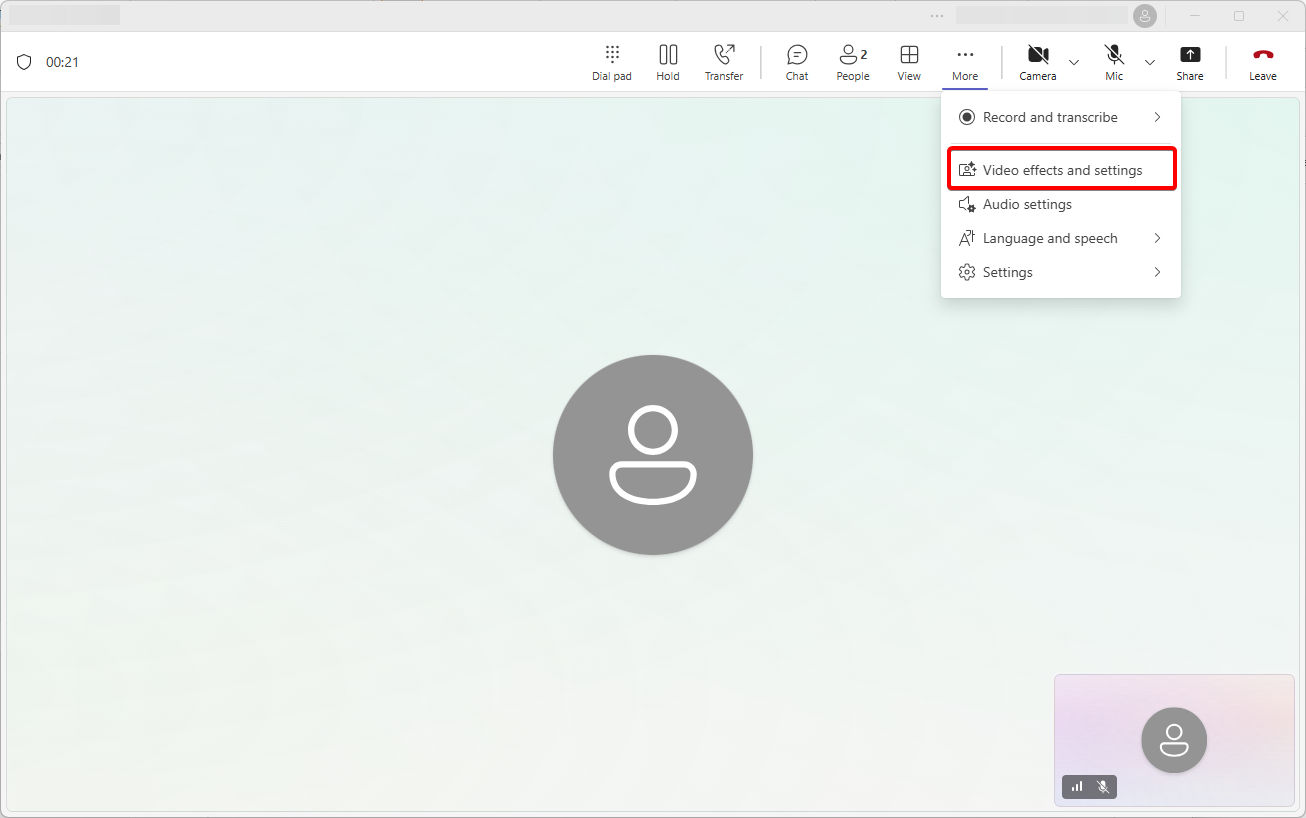
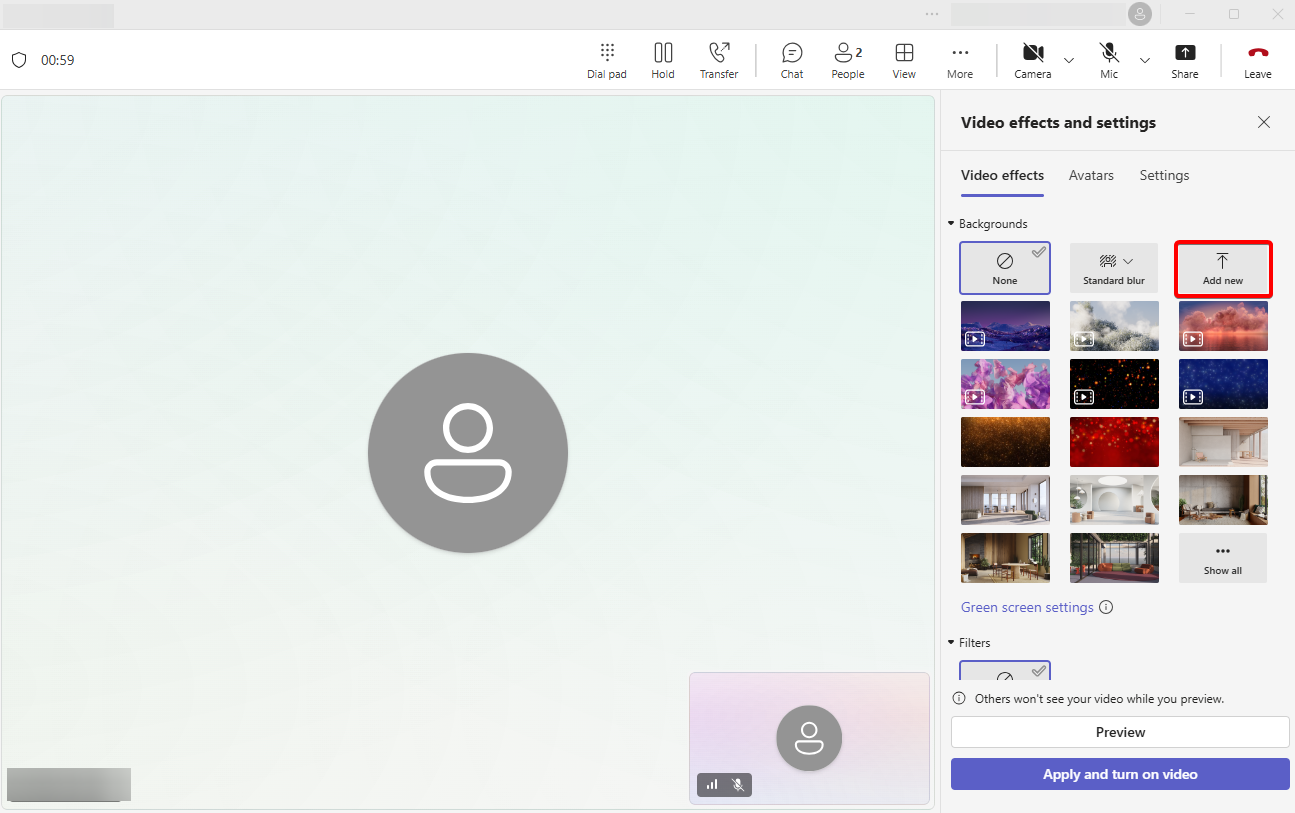
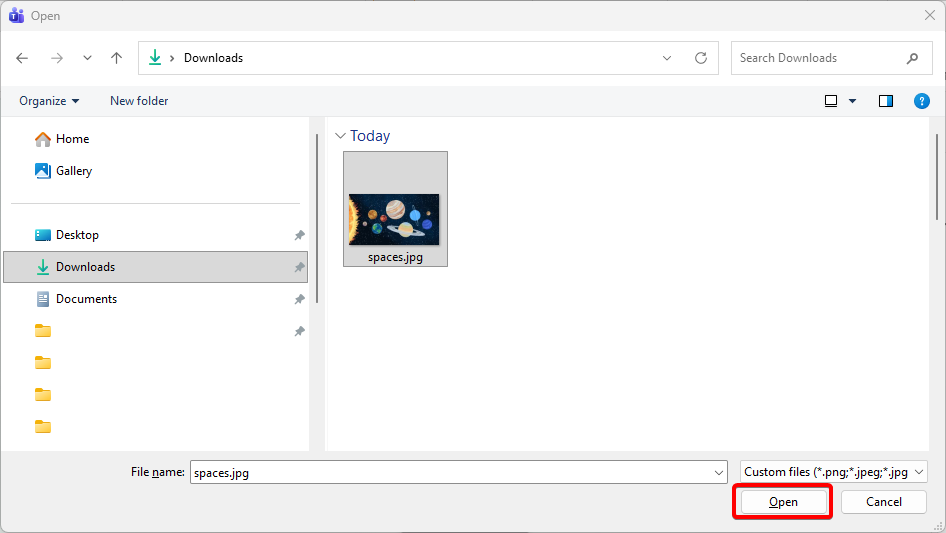
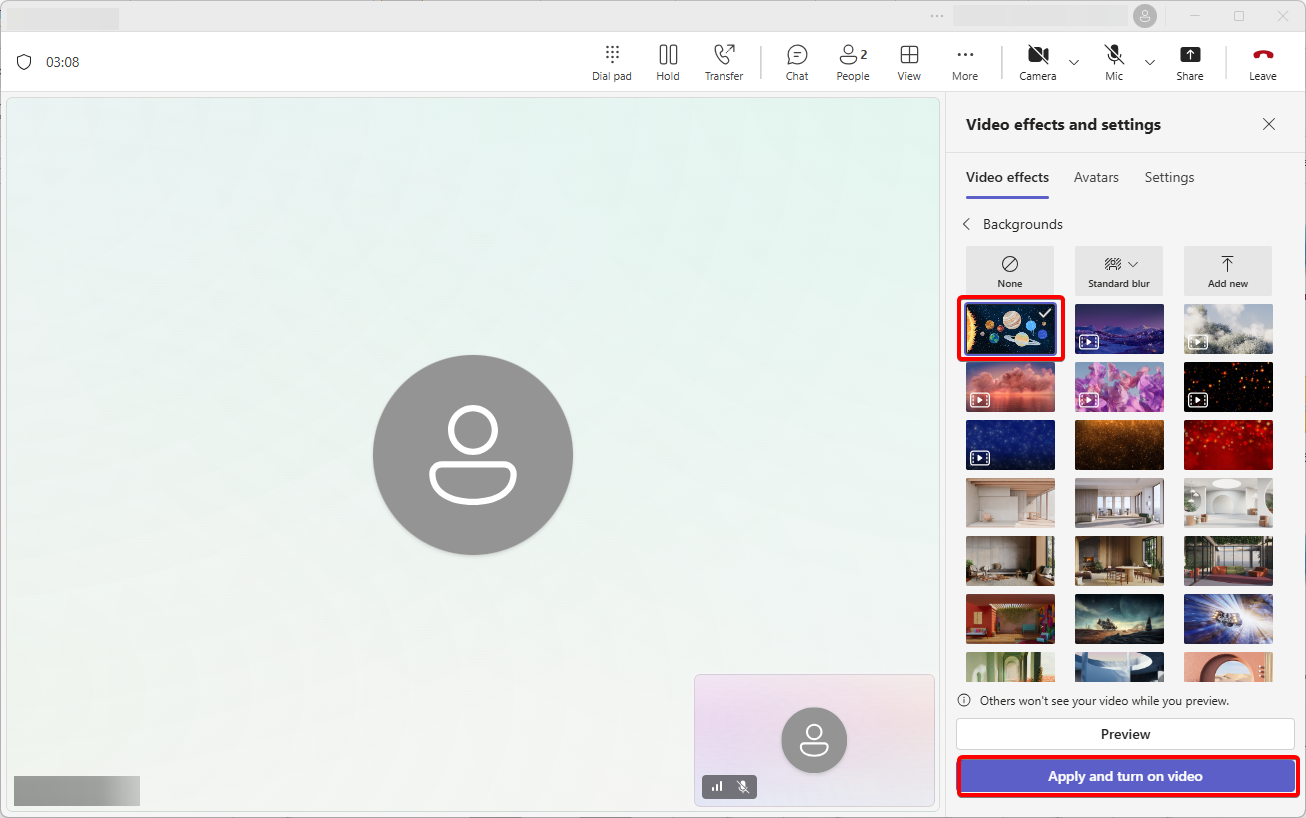
“Create a Teams meeting with another account and invite your own. Open the New Teams client and join the meeting. Click ‘More’ then ‘Video effects,’ and select ‘Add new’ to upload your custom background.

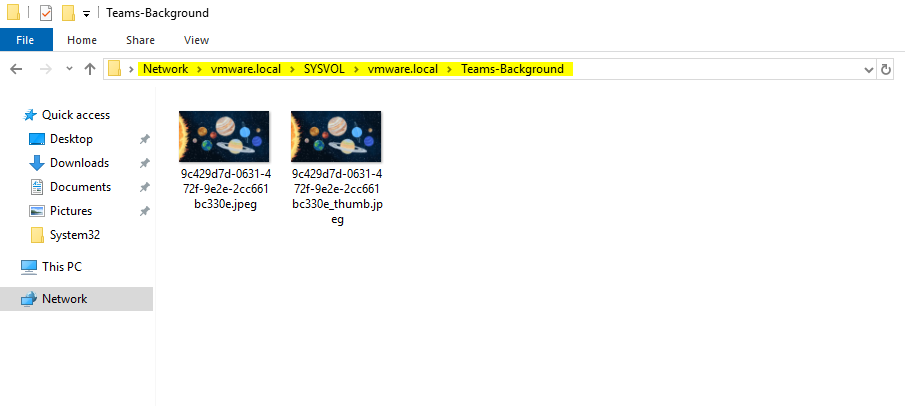
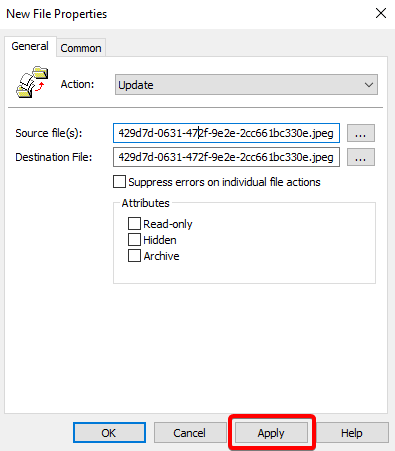
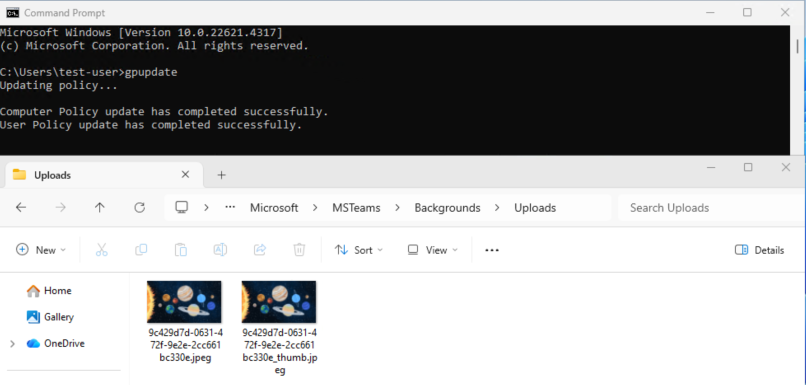
Here, find your uploaded image along with a corresponding thumbnail file. Both files will have the same random name but different extensions, for example:
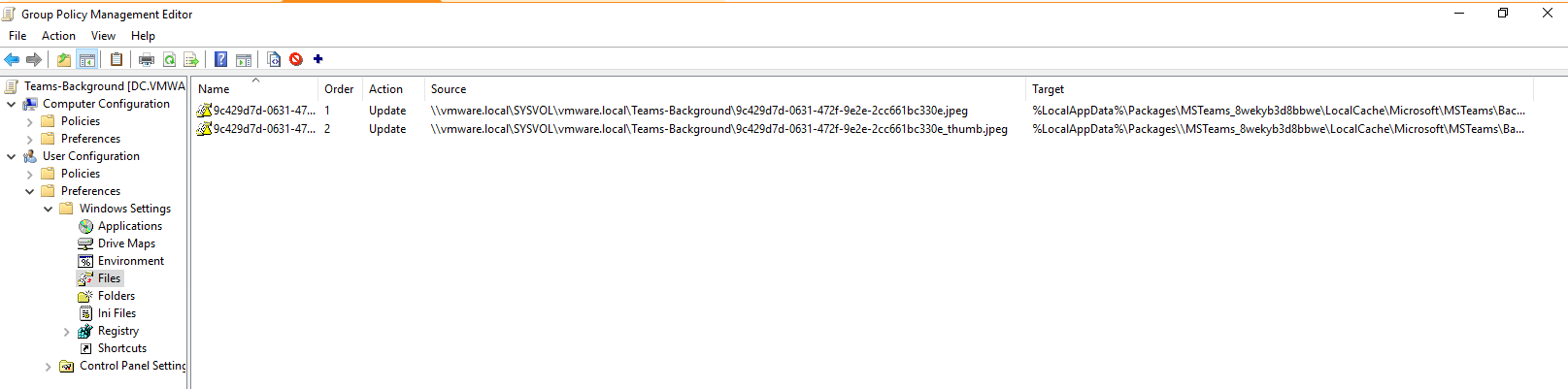
9c429d7d-0631-472f-9e2e-2cc661bc330e.jpeg
9c429d7d-0631-472f-9e2e-2cc661bc330e_thumb.jpeg
Finally, open Windows Explorer and go to: %localappdata%\Packages\MSTeams_8wekyb3d8bbwe\LocalCache\Microsoft\MSTeams\Backgrounds\Uploads
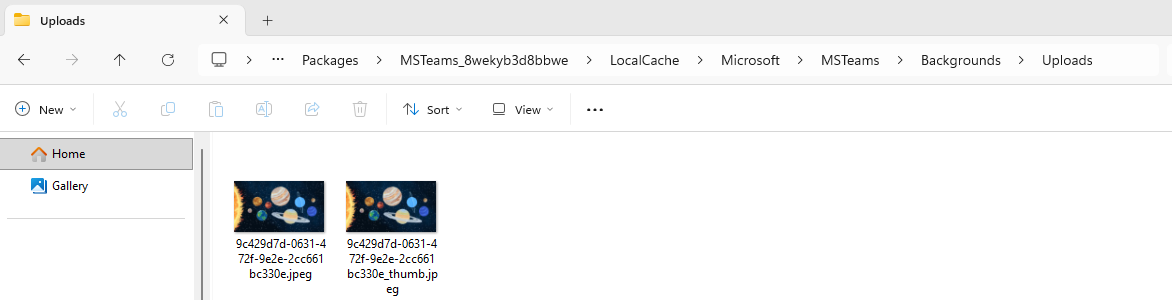
Copy the image and thumbnail files to a folder on your Domain Controller that is accessible for GPO deployment. I chose \\domain.local\SYSVOL\domain.local\Teams-Background