Accidents happen in enterprise environments, and accidentally deleting crucial Active Directory objects like Users or Organizational Units (OUs) can disrupt business operations instantly. While the Active Directory Recycle Bin is a lifesaver, there are times when you must rely on traditional backups to recover lost data. In this article, we will dive into how to perform an Authoritative Active Directory Restore using ntdsutil and Windows Server Backup to bring your deleted objects back to life without breaking replication.
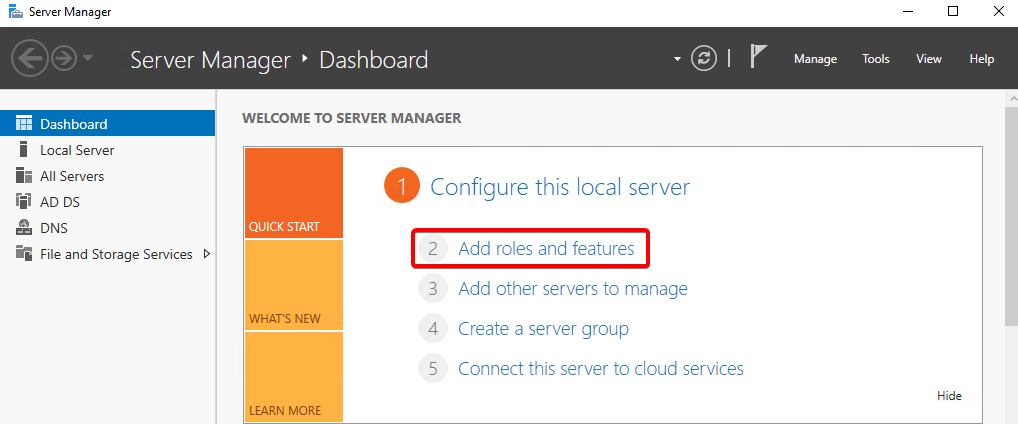
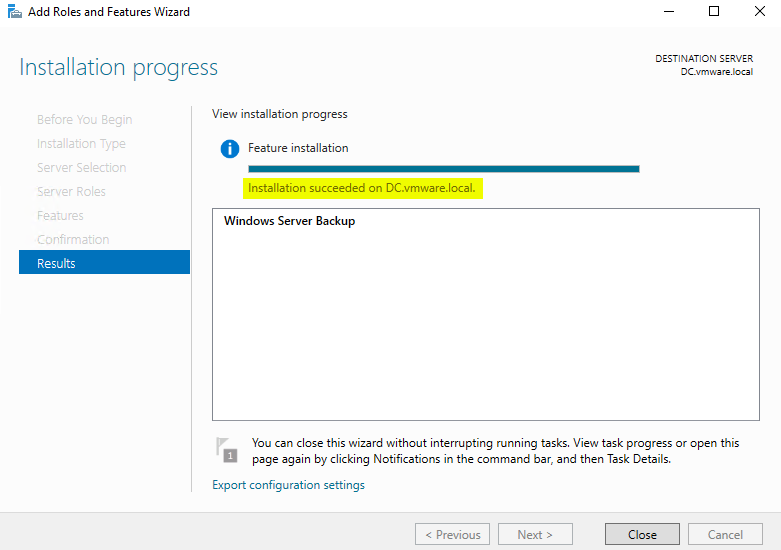
Firstly, add new feature on the Domain Controller.
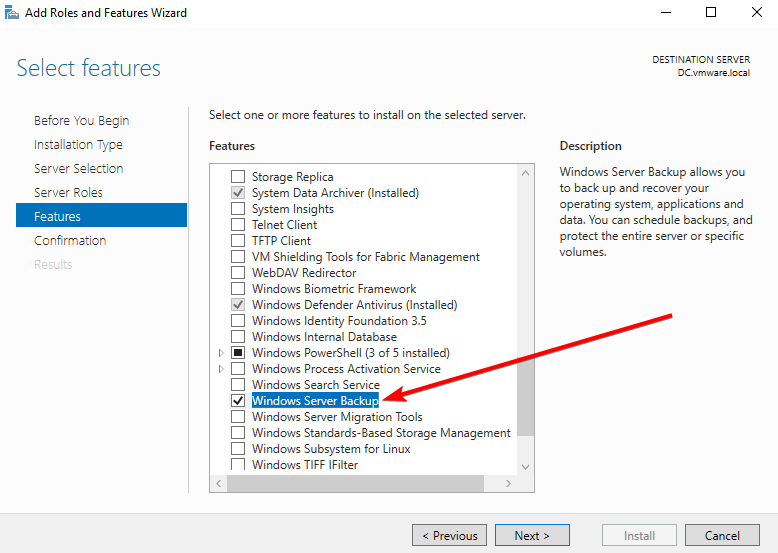
Select Windows Server Backup
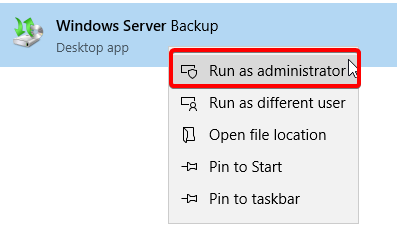
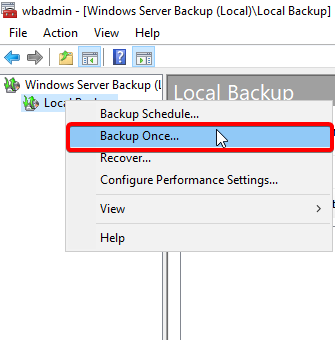
Open Windows Server Backup and click Backup Once.
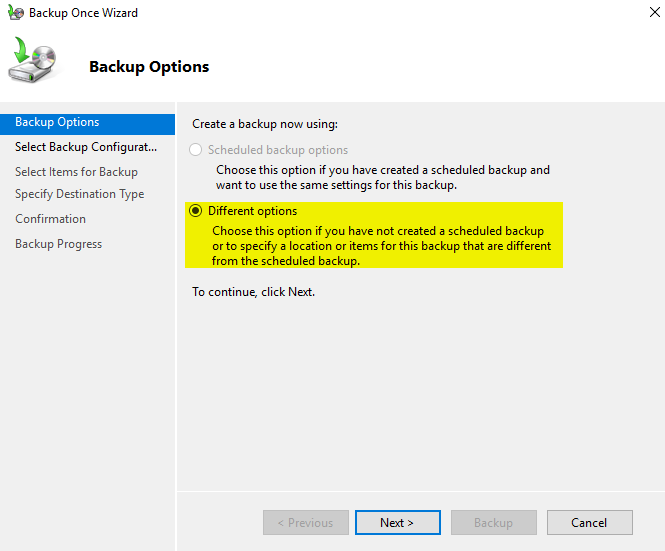
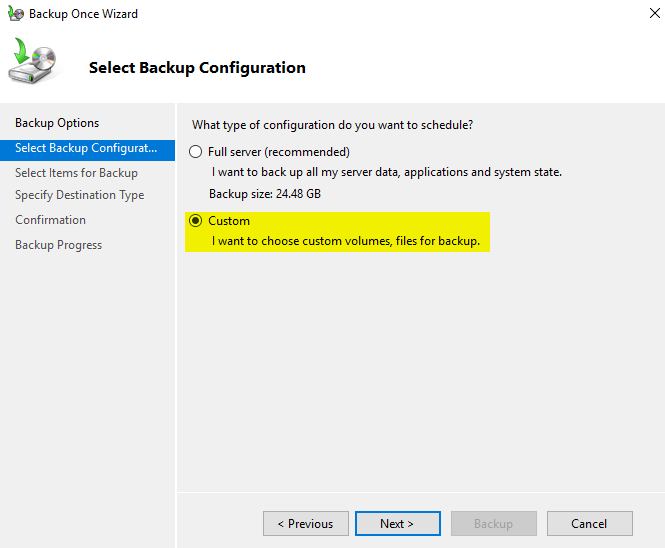
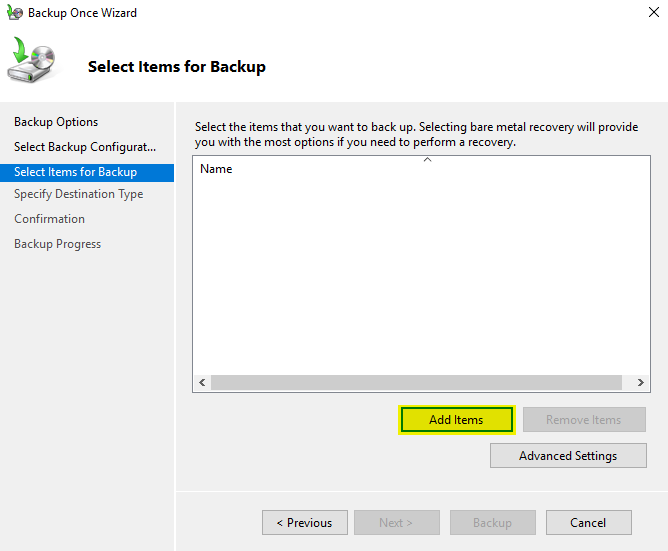
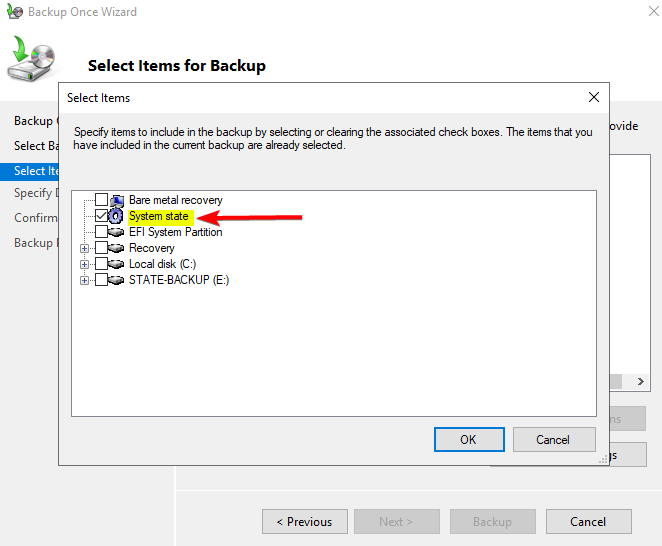
Select system state.
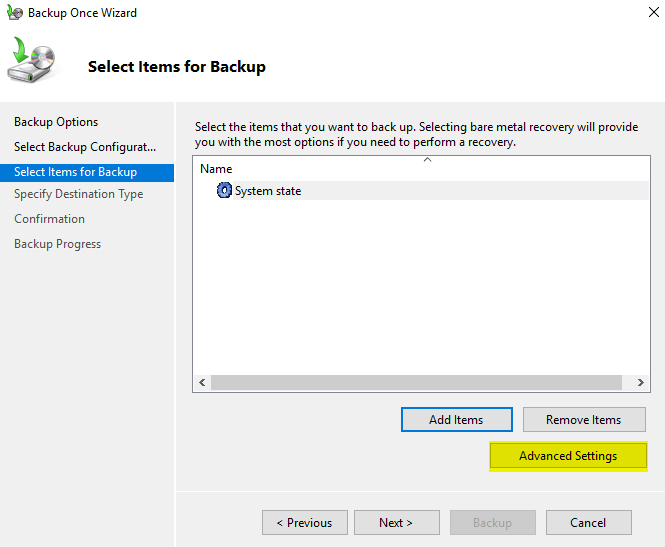
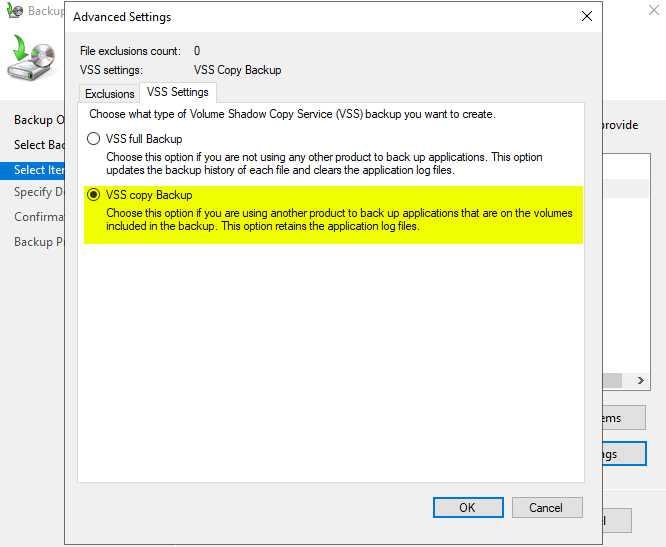
We select VSS copy Backup because it retains application log files without clearing them. This ensures Windows Server Backup doesn’t interfere with or break the backup chains of third-party backup tools (like Veeam) running in the environment.
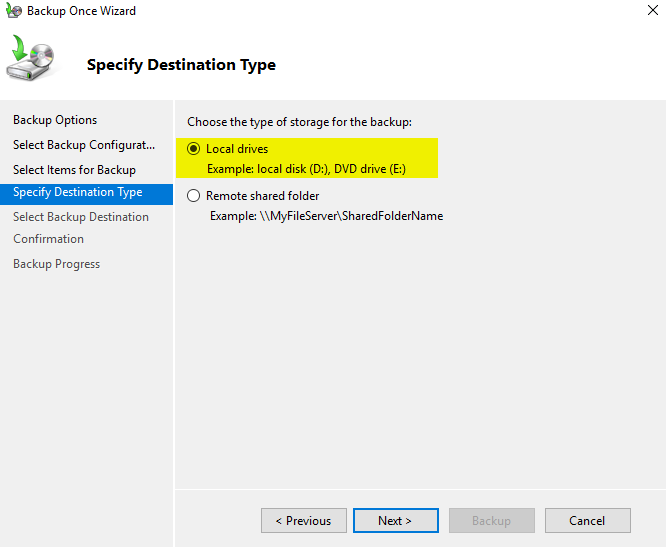
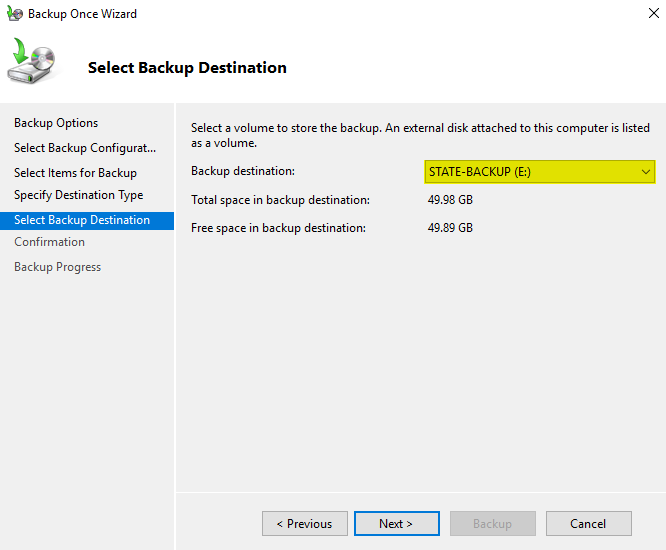
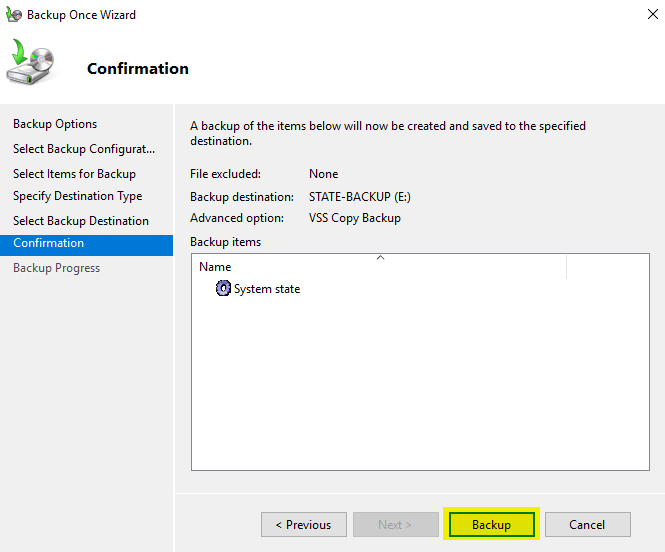
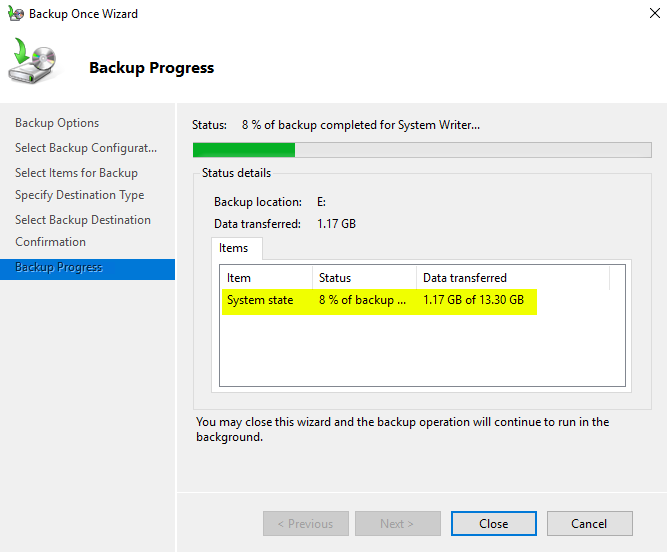
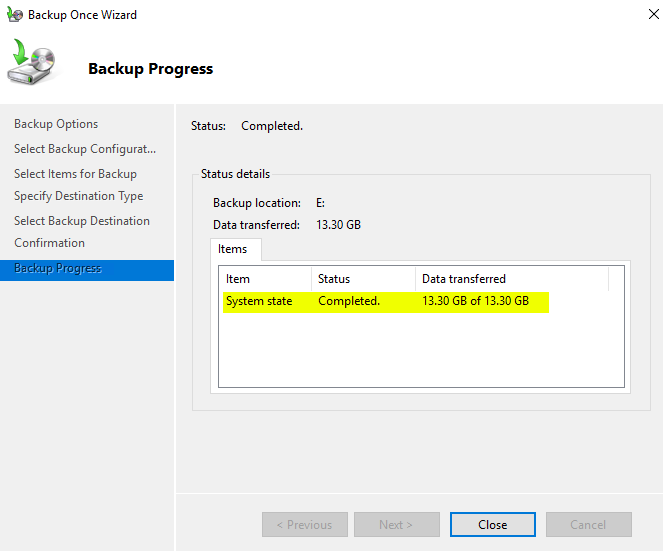

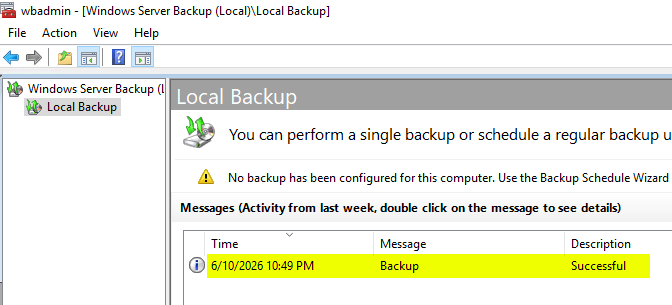
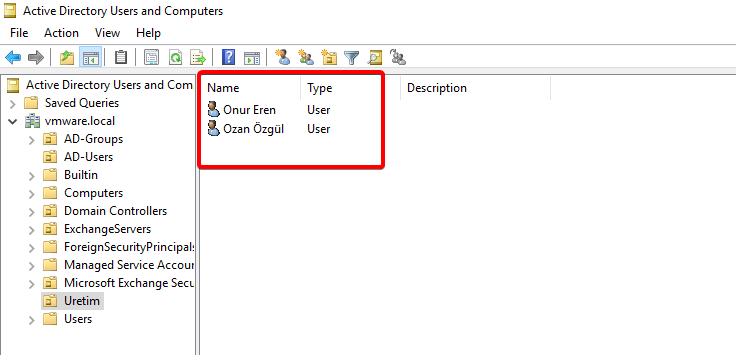
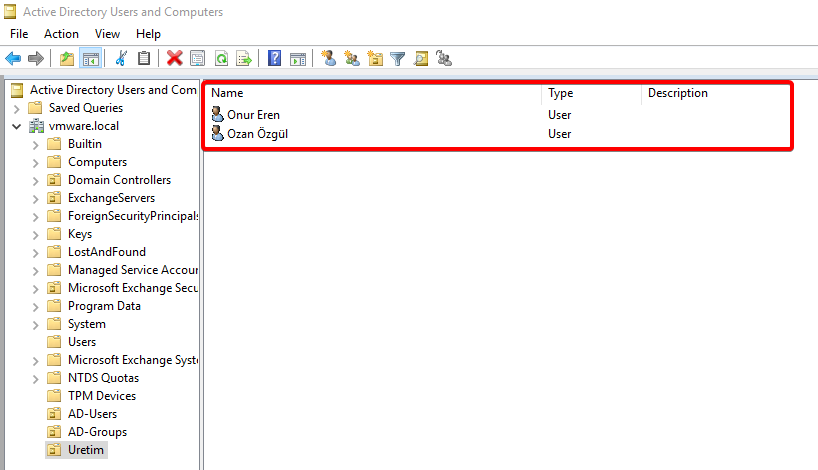
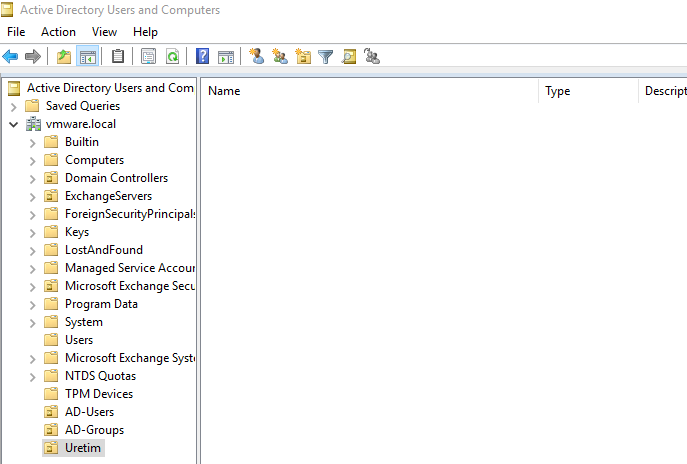
For our scenario, we are deleting the users in the Uretim OU.
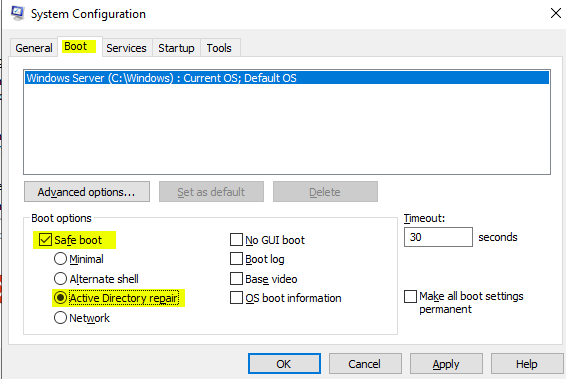
Open msconfig, select Safe Boot and Active Directory Repair, and then restart the machine.
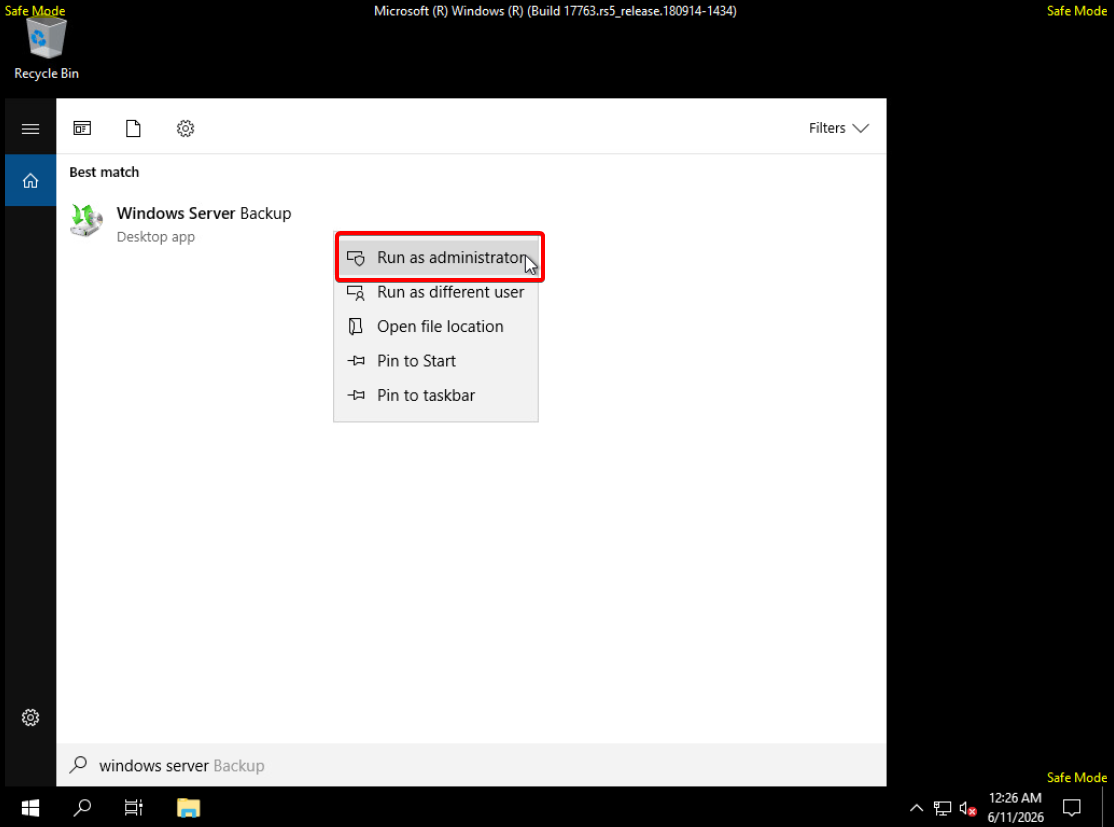
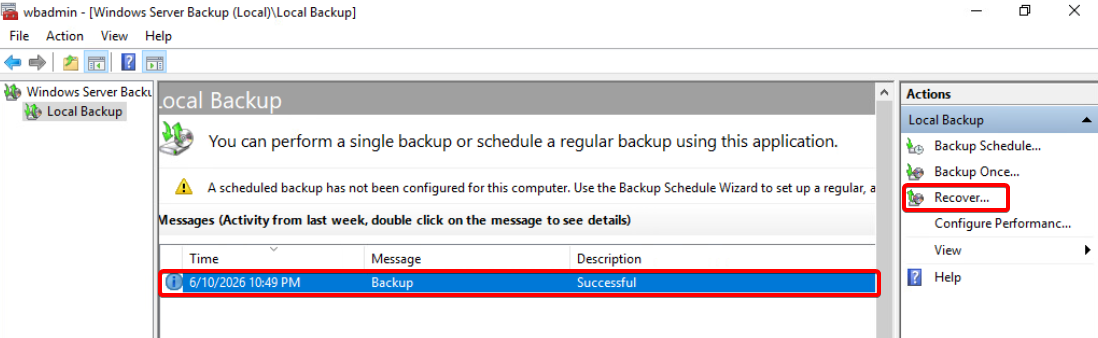
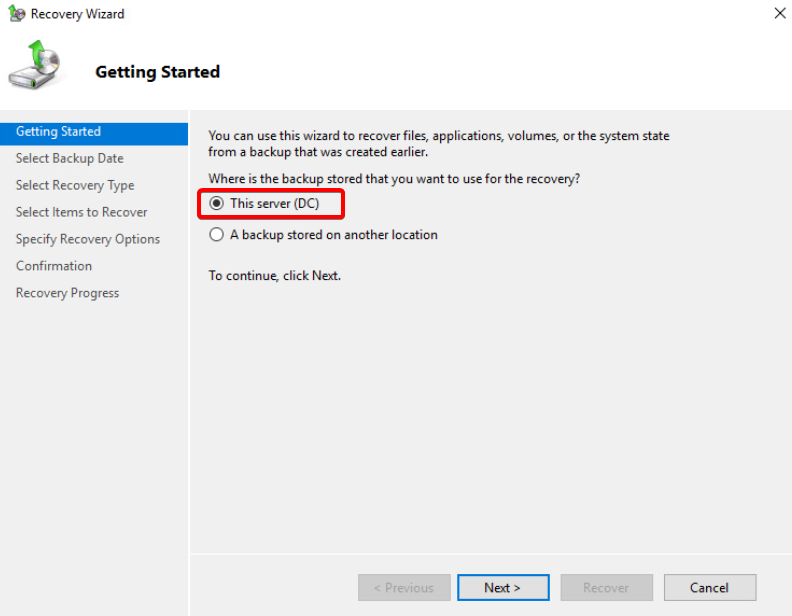
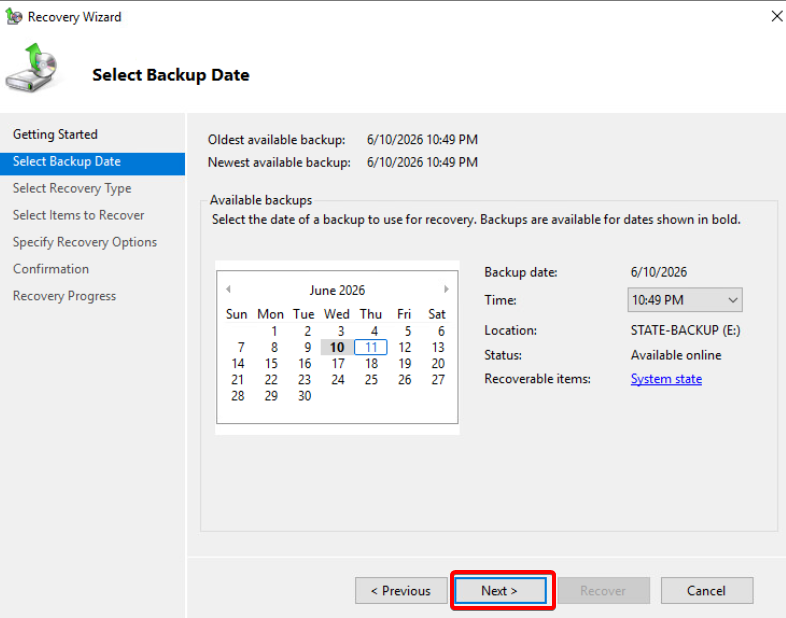
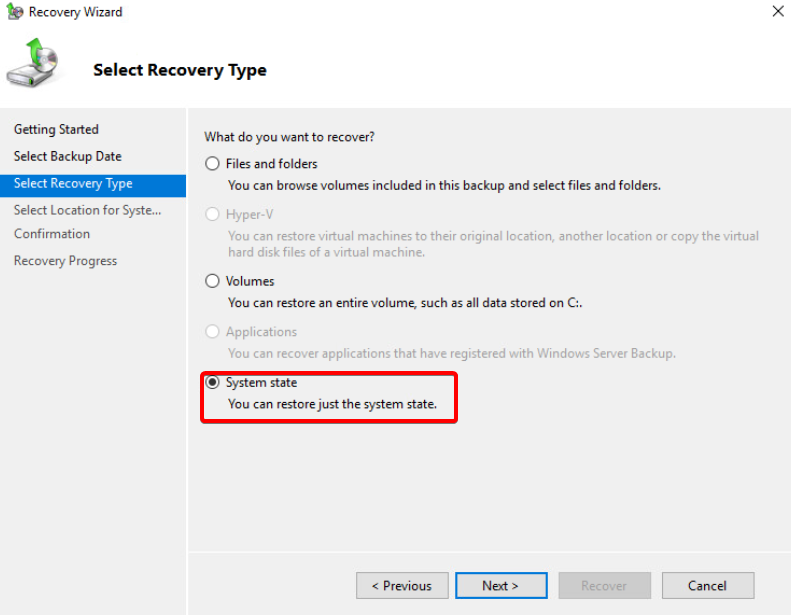
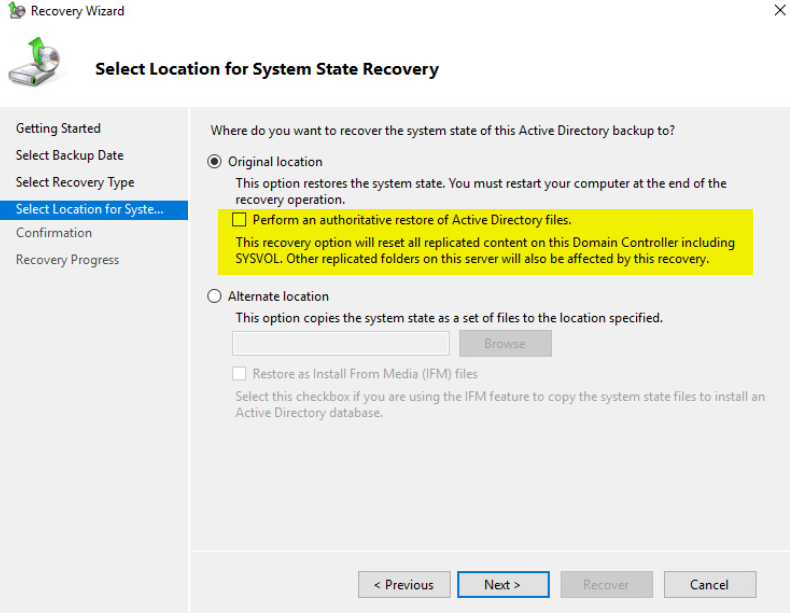
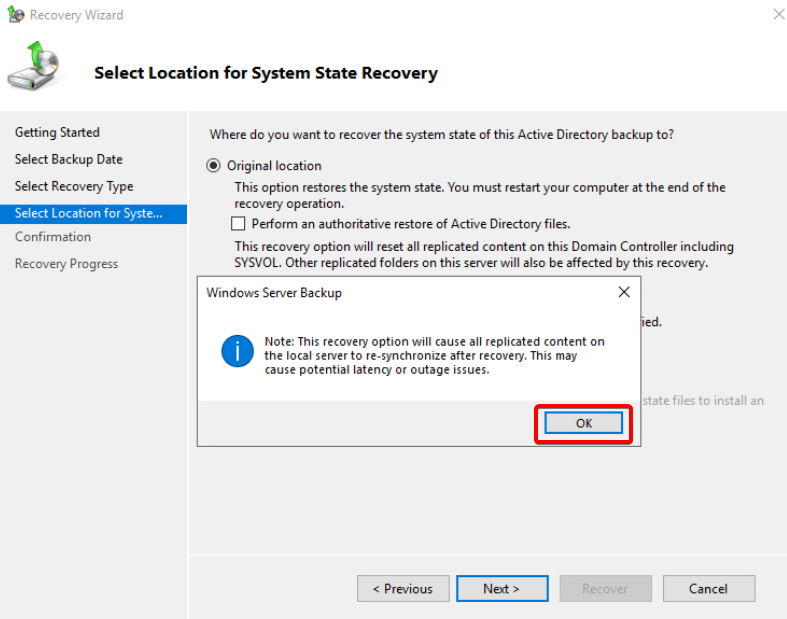
We do not check the “Perform an authoritative restore of Active Directory files” box. Checking this option forces an authoritative restore of the SYSVOL share (Group Policies, etc.) rather than specific AD database objects. To recover specific users or OUs, we must perform a standard Non-Authoritative restore first, and then manually use ntdsutil to make the desired objects authoritative.
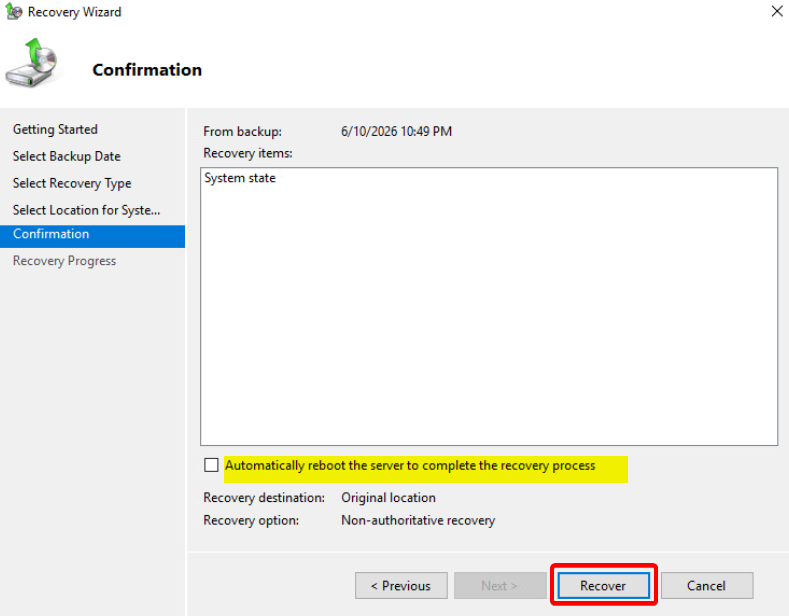
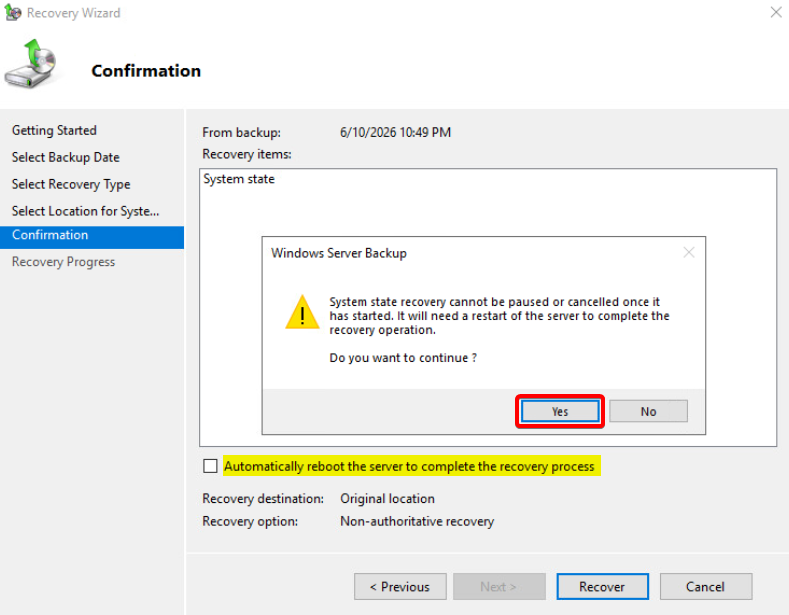
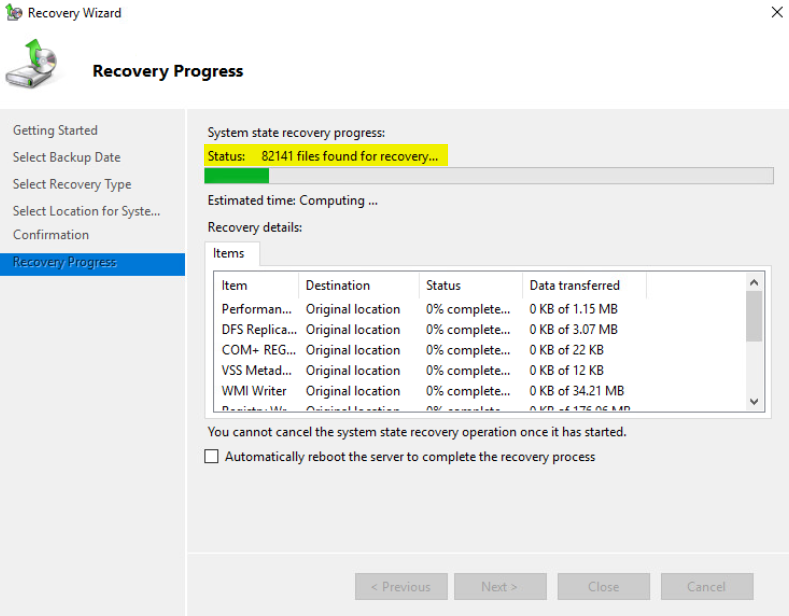
Restart the machine.
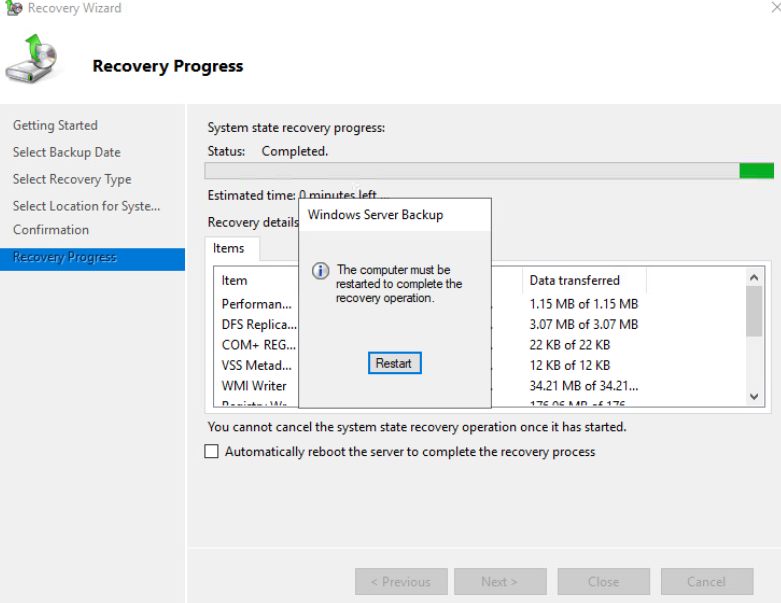
Once the machine is turned back on, you will see a screen like this.
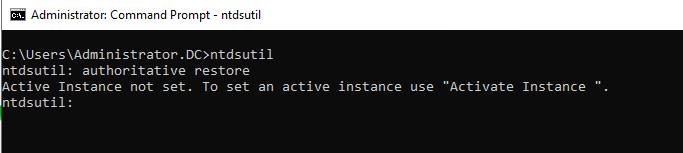
Click Enter to proceed.
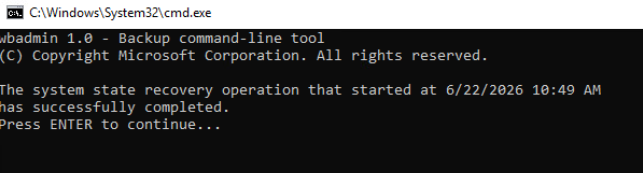
Open to Command Prompt.
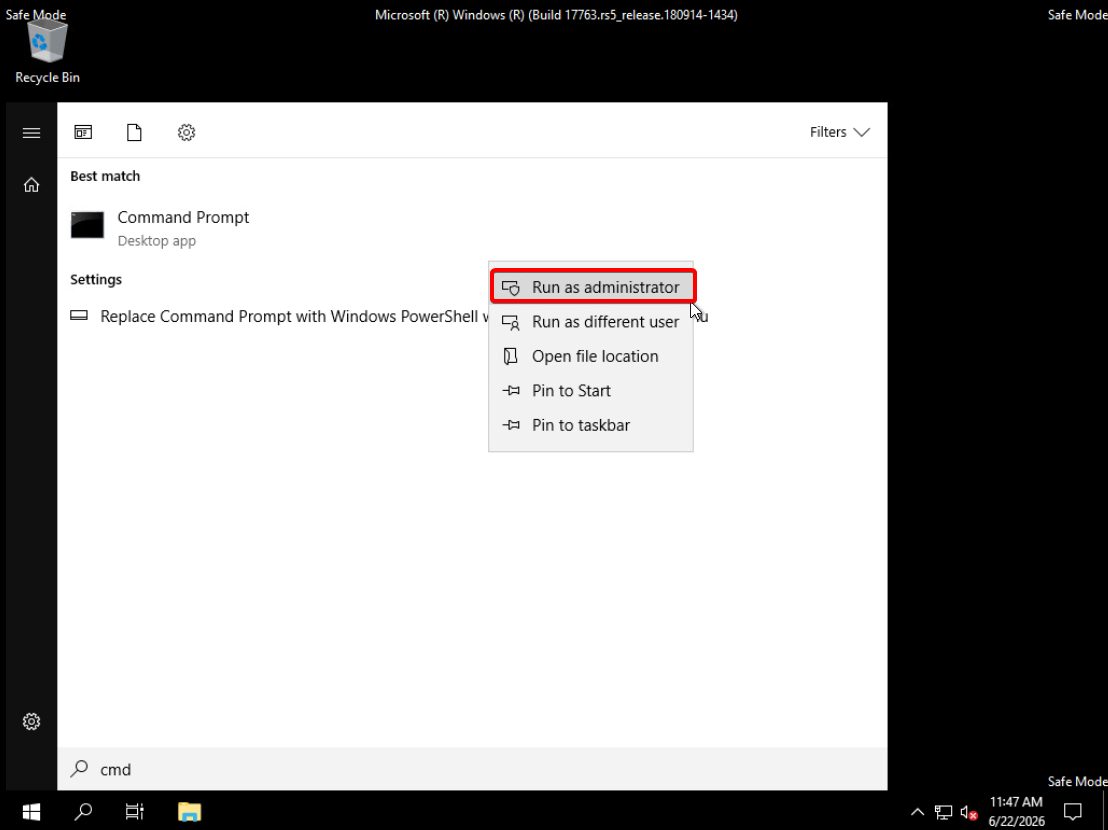
ntdsutil
activate instance ntds
authoritative restore
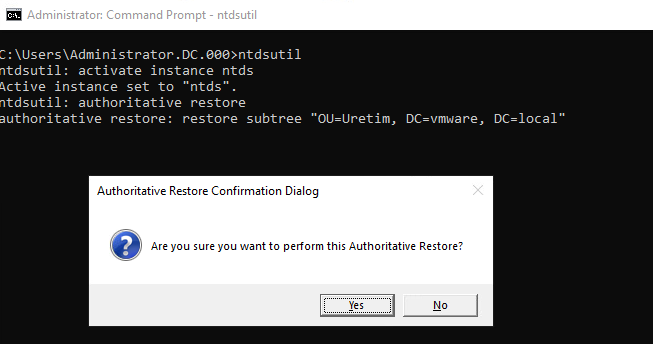
restore subtree “OU=Uretim, DC=vmware, DC=local”
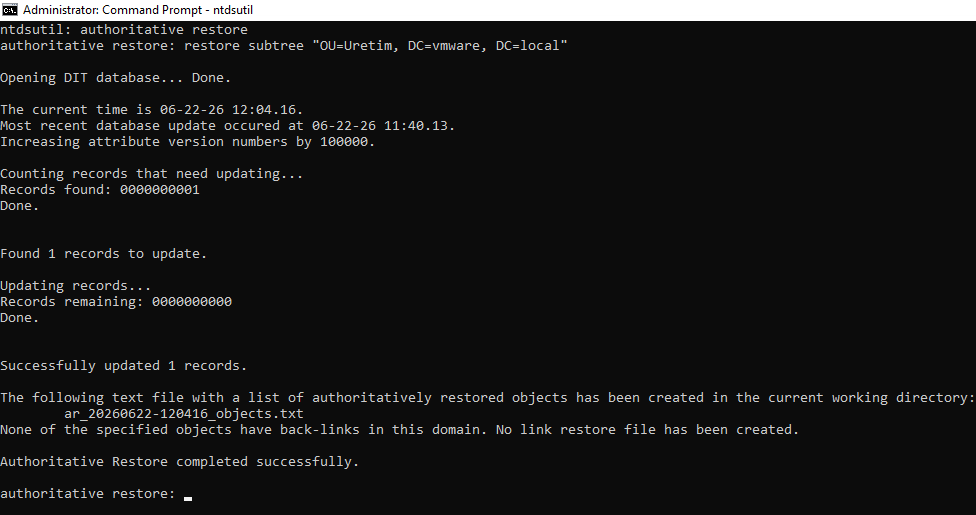
Once the process is complete, disable Safe Boot on the machine.
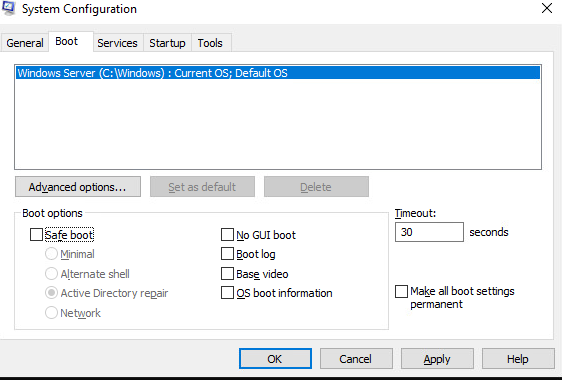
AD services will not run after the machine is powered on.
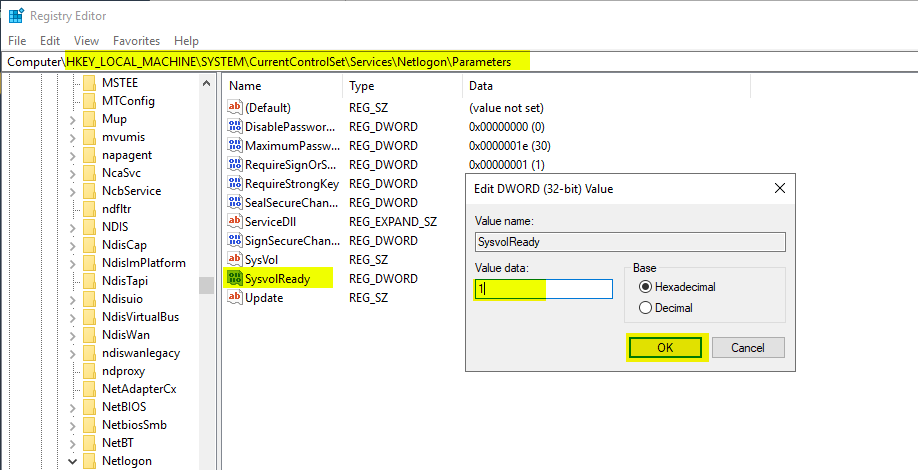
HKEY_LOCAL_MACHINE\SYSTEM\CurrentControlSet\Services\Netlogon\Parameters
Change the SysvolReady value from 0 to 1;
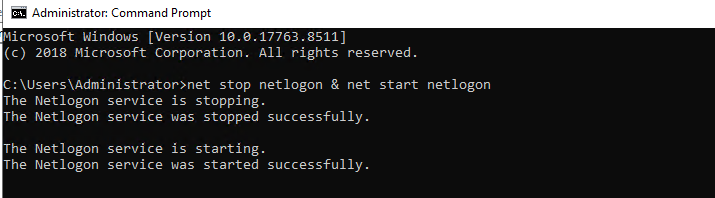
net stop netlogon & net start netlogon
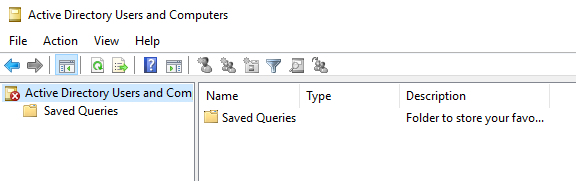
When you open the relevant OU in Users and Computers, you will see that the Users have been restored.