RDS roles on Windows Server include a 120-day evaluation grace period before requiring mandatory CALs. This period is intended for environment testing and configuration. Please be aware that resetting the grace period is a temporary measure and does not replace the legal requirement for RDS CALs.
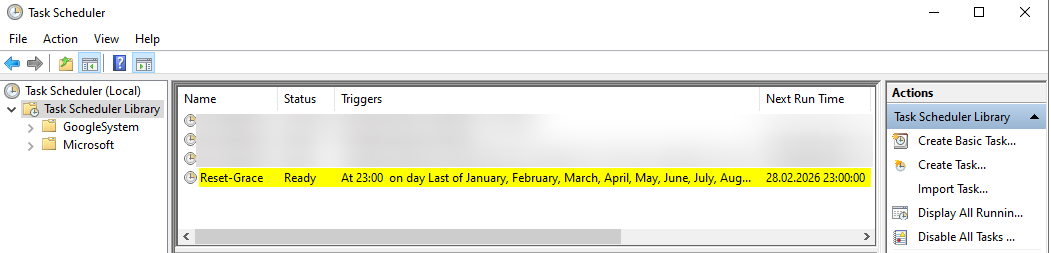
Steps to reset the RDS licensing grace period;
First, download the script. Then, move it to the C:\Script folder.
https://s8.sercancelenk.com/s/G6o3gqyfBAnNLKZ/download/Reset-grace.ps1
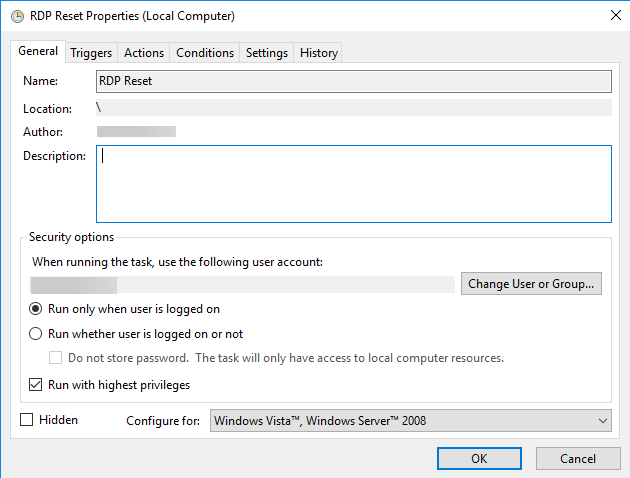
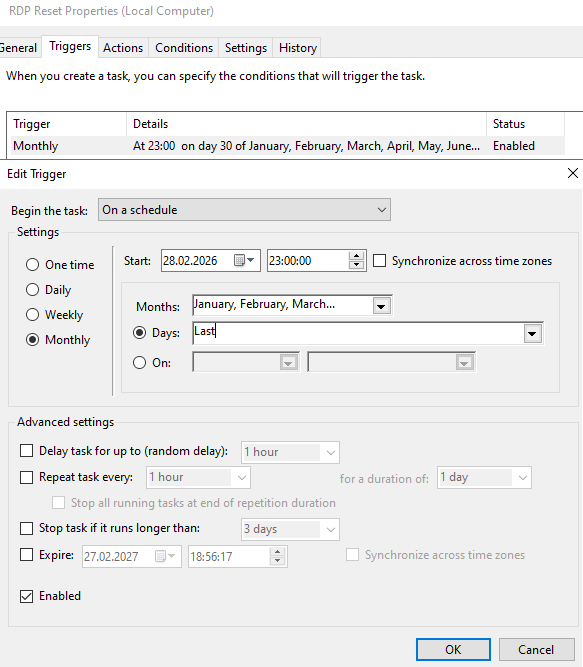
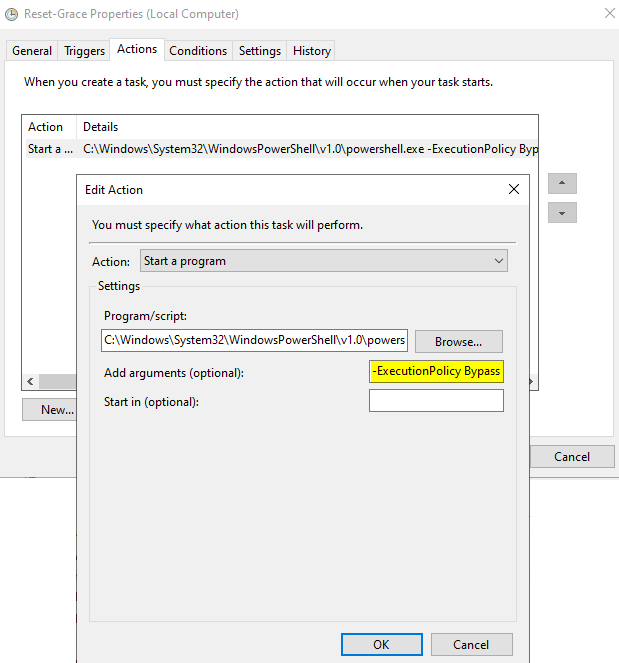
Program/script:
C:\Windows\System32\WindowsPowerShell\v1.0\powershell.exeAdd arguments:
-ExecutionPolicy Bypass -File "C:\Script\Reset-grace.ps1"