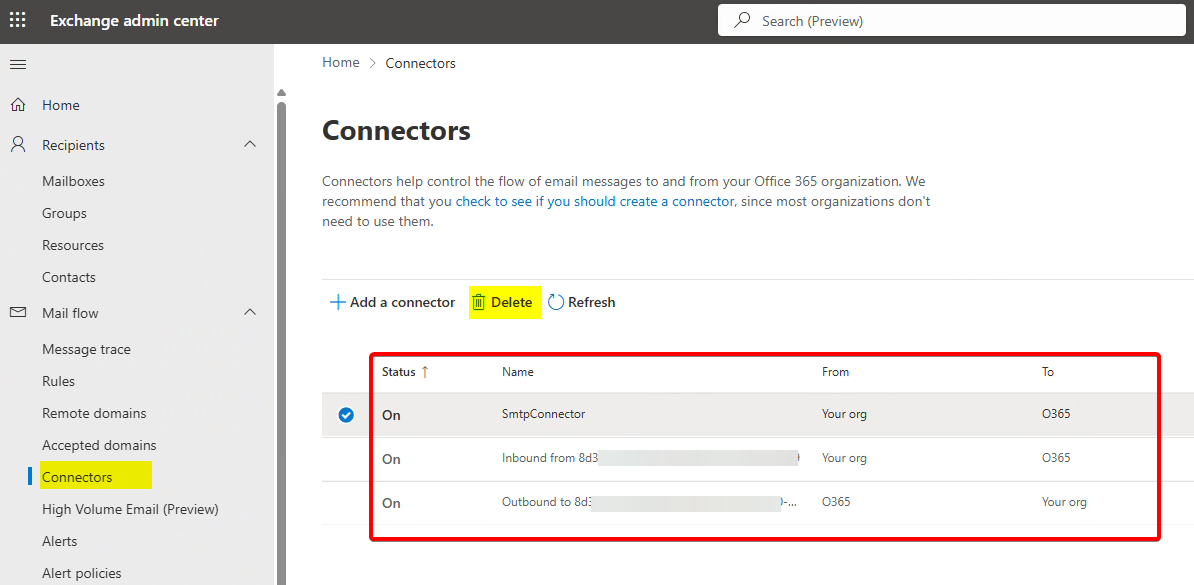
Important: Confirm that all mailboxes have been successfully migrated to the cloud and verify that no active SMTP relay configurations remain on the Exchange Hybrid server.
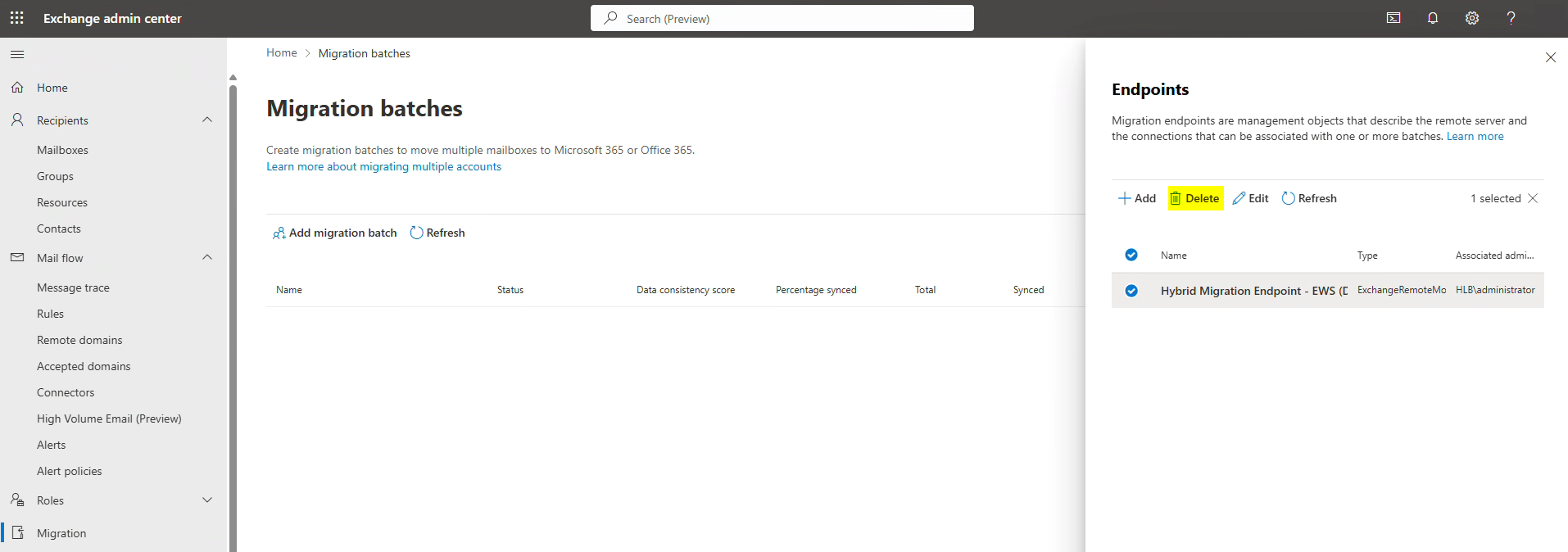
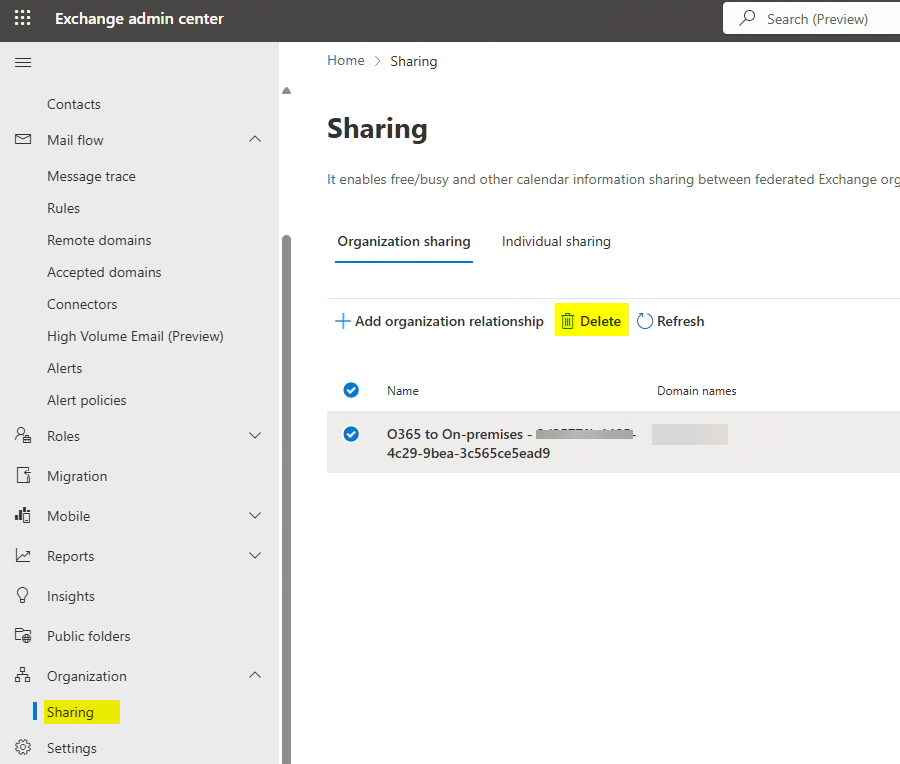
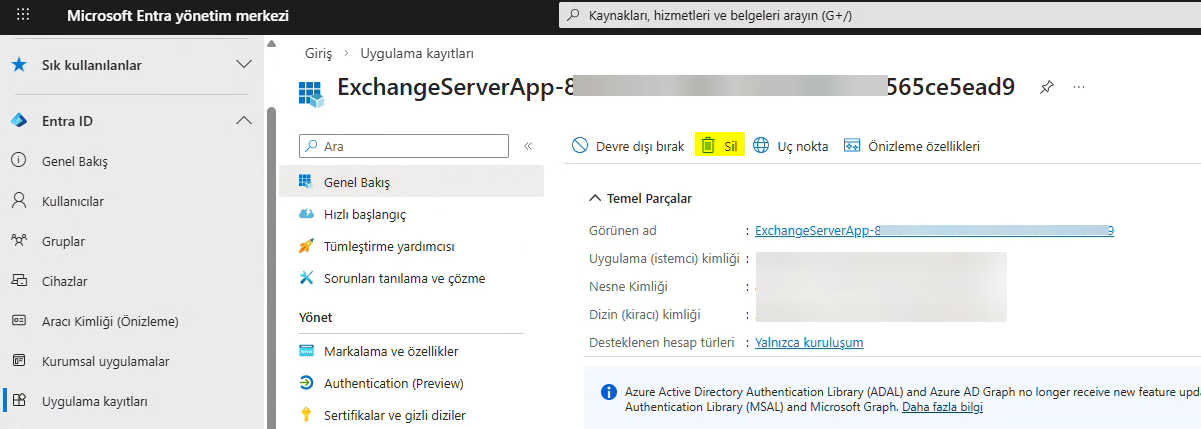
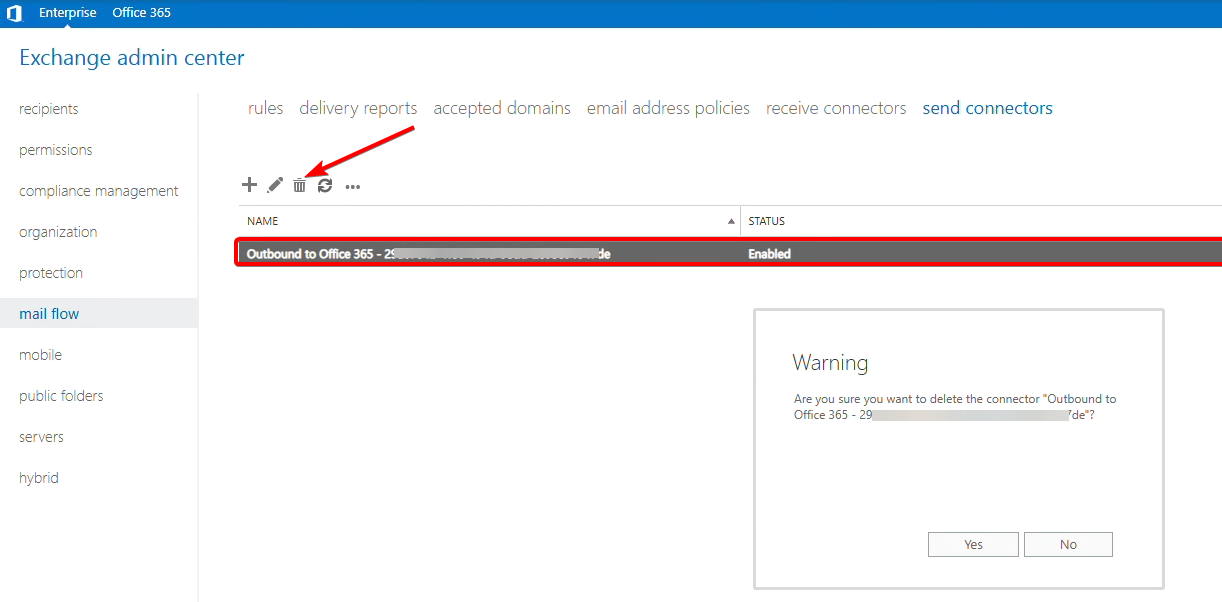
Point internal and external MX and Autodiscover DNS records to Exchange Online.
To prevent local lookups, clear the Autodiscover Service Connection Point (SCP) entries on your Exchange Servers so that no SCP is returned.
Get-ClientAccessService -Identity "EXCHSRV01" | Format-List Identity, AutodiscoverServiceInternalUriGet-ClientAccessService -Identity "EXCHSRV01" | Set-ClientAccessService -AutodiscoverServiceInternalUri $null
Remove the Hybrid Configuration object from Active Directory to prevent any future recreation of the hybrid setup.
Remove-HybridConfiguration
Deactivate the on-premises OAuth configuration if it is currently active.
Set-IntraOrganizationConnector | Set-IntraOrganizationConnector -Enabled $false
If you are using the Modern Hybrid topology, switch to the Classic Hybrid topology to be able to remove the hybrid agent.
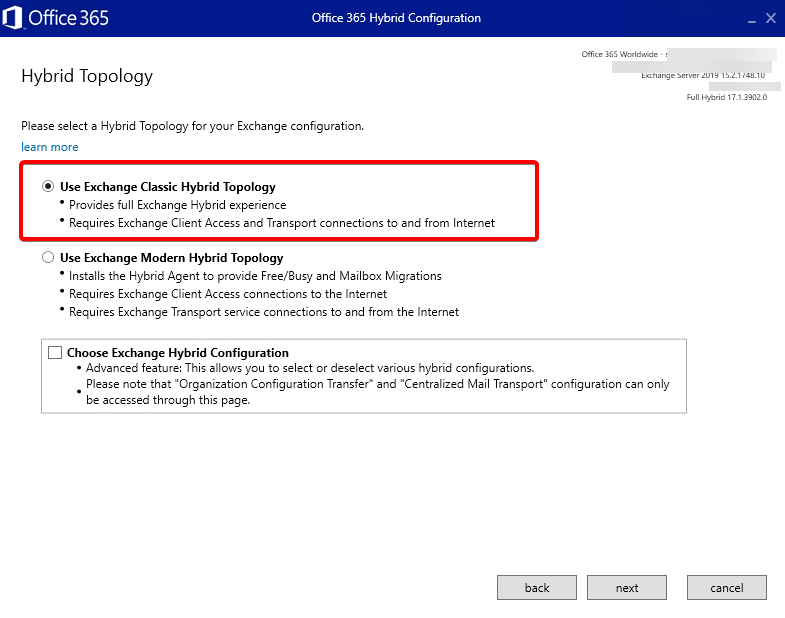
The hybrid agent has been successfully removed.
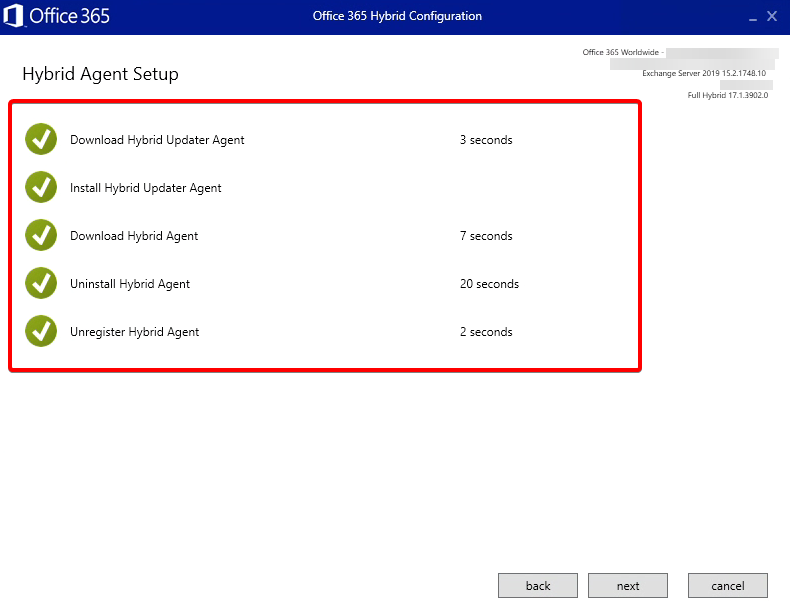
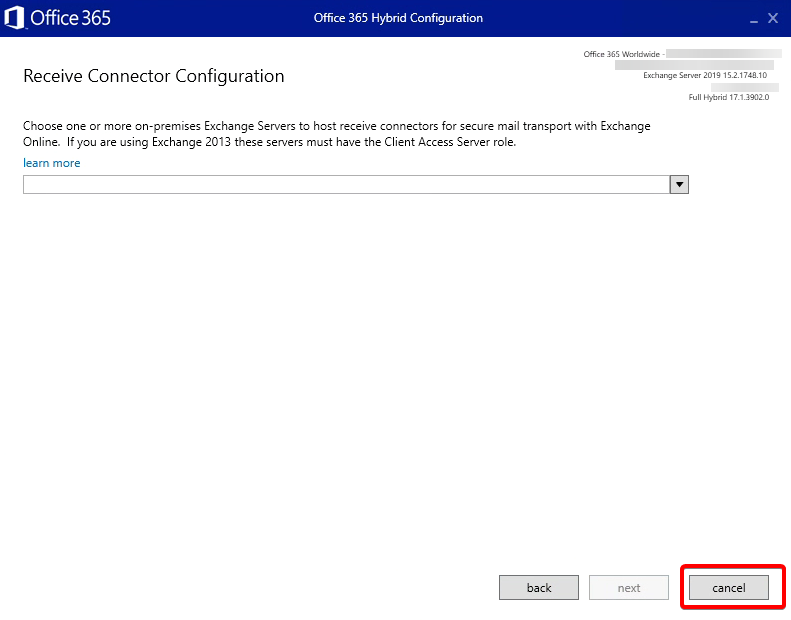
Since our goal is to remove the hybrid agent, close the hybrid configuration wizard at this stage.
Decommission the Federation Trust if it currently exists within the environment. Additionally, identify and remove the Federation Certificate if one is present.
Remove-FederationTrust "Microsoft Federation Gateway"$fedThumbprint = (Get-ExchangeCertificate | Where-Object {$_.Subject -eq "CN=Federation"}).ThumbprintRemove-ExchangeCertificate -Thumbprint $fedThumbprint
“Follow these steps to remove the OAuth Service Principal credentials:
-
-
Download the
ConfigureExchangeHybridApplication.ps1script toC:\script.
https://microsoft.github.io/CSS-Exchange/Hybrid/ConfigureExchangeHybridApplication/ -
Open Exchange Management Shell and run the command provided below.
-
-
Sign in with your Global Administrator credentials and type Y to confirm the action.”
.\ConfigureExchangeHybridApplication.ps1 -ResetFirstPartyServicePrincipalKeyCredentials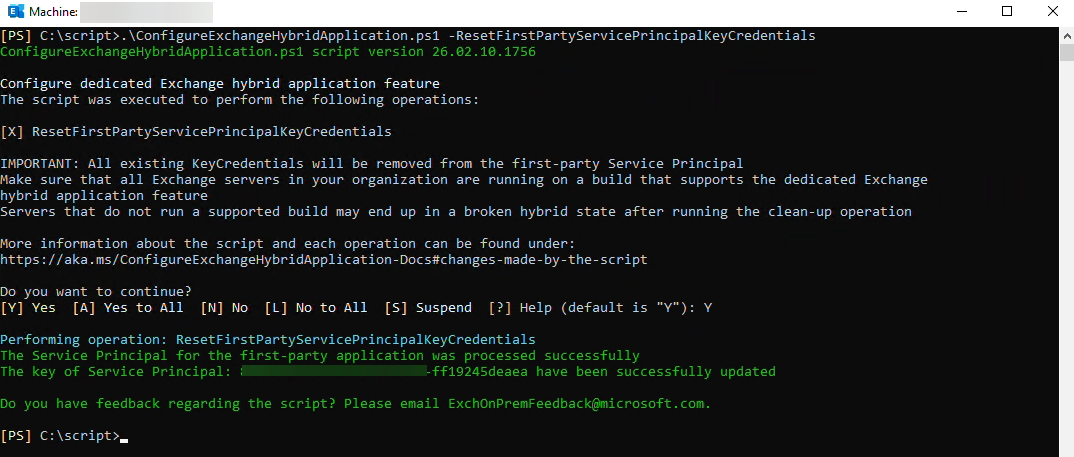
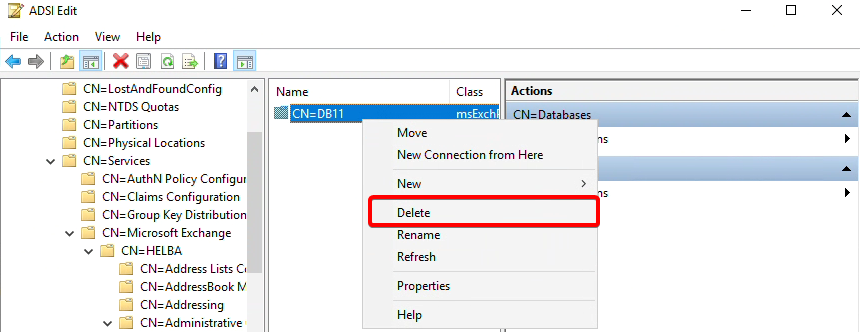
Since this is the last server, it is not possible to delete the databases from the interface.
We will perform the deletion using ADSI Edit.
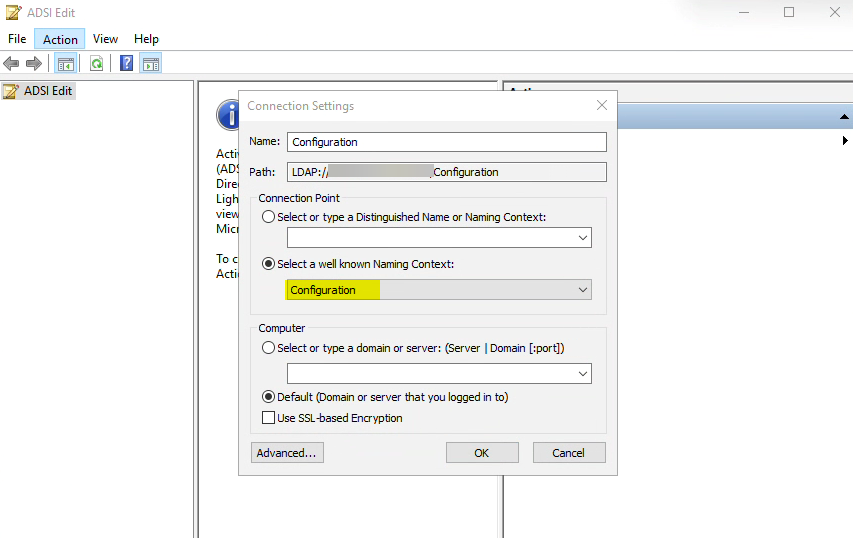
Configuration>Services>Microsoft Exchange>Administrative Groups>Databases
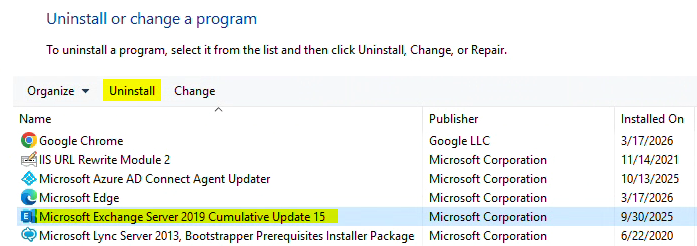
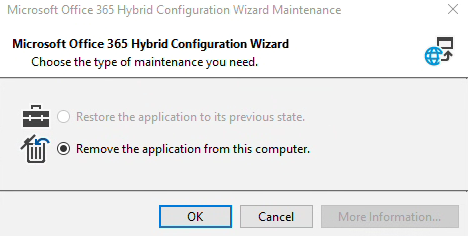
Remove the Exchange Hybrid Configuration wizard from the Control Panel.
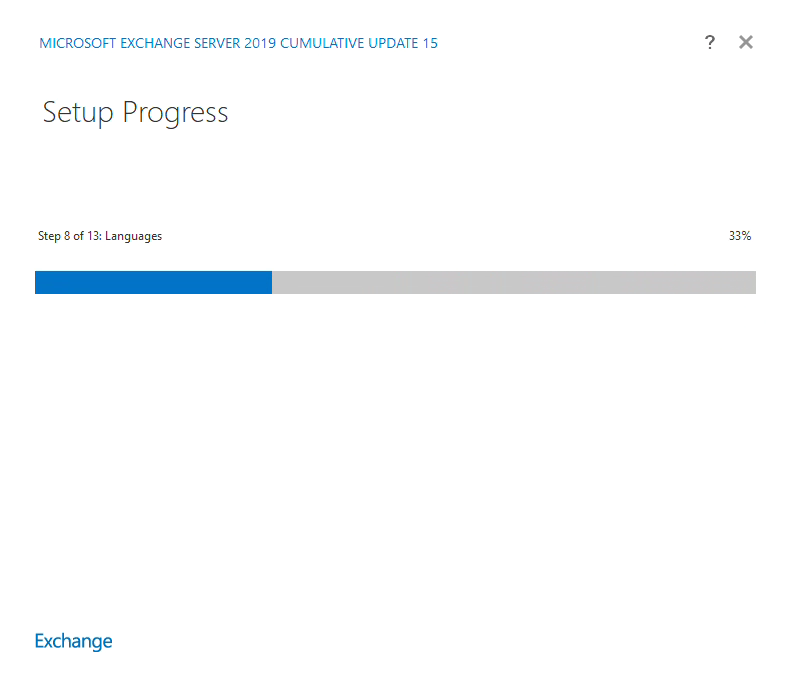
Next up is Exchange Server;