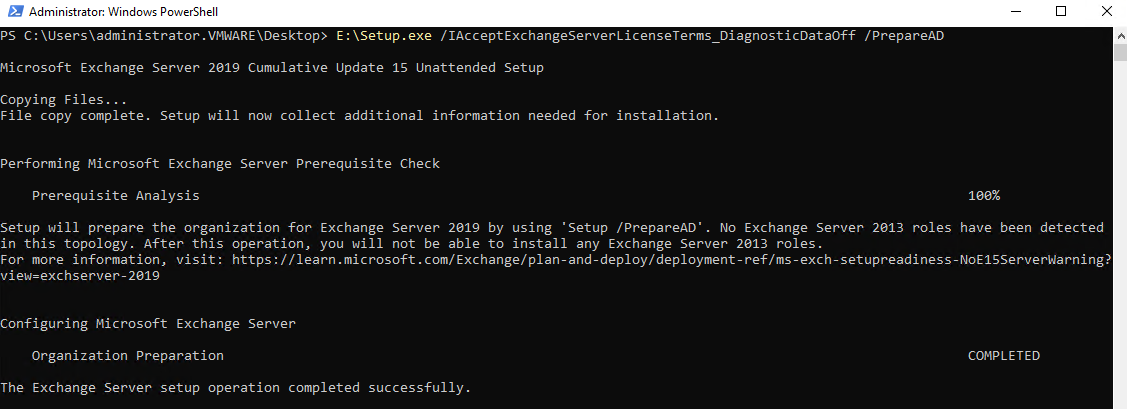
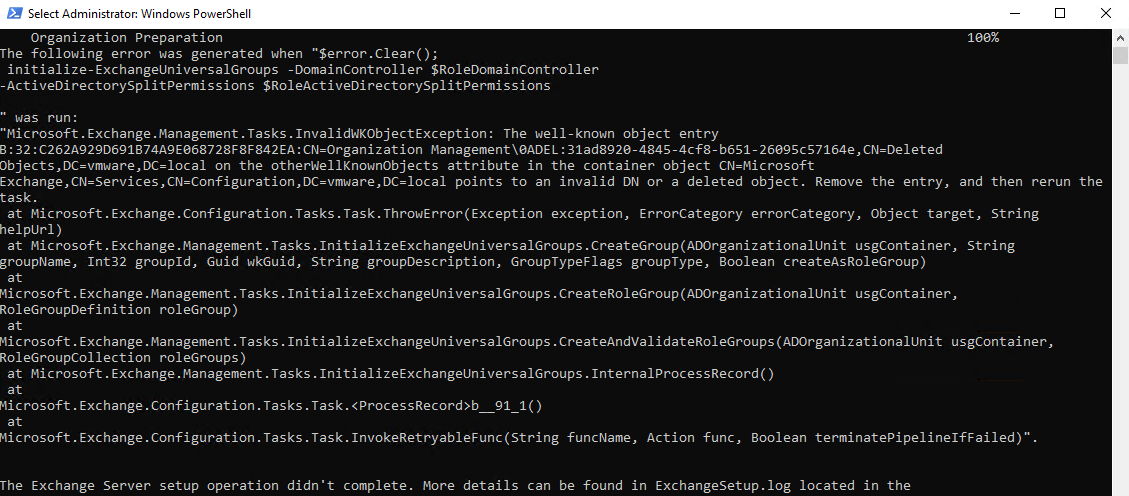
Exchange Server kurulumu yaparken PrepareDomain aşamasında aşaıdaki hatayla karşılaşabilirsiniz.
run: “Microsoft.Exchange.Management.Tasks.InvalidWKObjectException: The
well-known object entry B:32:81C898B4DBC5A0C3:CN=UM
Management\0ADEL:fe724a9d-61a8-4951-bb2f-aaeca6dcfee6,CN=Deleted
Objects,DC=vmware,DC=local on the otherWellKnownObjects attribute
in the container object CN=Microsoft
Exchange,CN=Services,CN=Configuration,DC=vmware,DC=local points to
an invalid DN or a deleted object.
Hatanın çözümü için aşağıdaki scripti PowerShell’de yönetici olarak çalıştırın.
# Get Microsoft Exchange Container
$objDE = New-Object System.DirectoryServices.DirectoryEntry
$ExchangeDN = [string]::Concat("LDAP://CN=Microsoft Exchange,CN=Services,CN=Configuration,", $objDE.distinguishedName)
$objCN = New-Object System.DirectoryServices.DirectoryEntry($ExchangeDN)

$gp = [Reflection.Bindingflags]::GetProperty

# get otherWellKnownObjects Collection
$objCol = $objCN.otherWellKnownObjects
$delCount = 0

# Walk though the Collection backwards (always do that when deleting items)
for ($i=$objCol.Count-1; $i -ge 0; $i--)
{
    $objWKO = $objCol[$i]
    $objType = $objWKO.GetType()
	# Get the distinguishedName
	$DNString = $objType.InvokeMember("DNString", $gp, $null, $objWKO, $null)

    $BV = $objType.InvokeMember("BinaryValue", $gp, $null, $objWKO, $null)
    $Guid = [GUID][System.BitConverter]::ToString($BV).Replace("-", "")

    Write-Host "DNString: $DNString"
    Write-Host "Guid: $Guid"

	# Check if the item was deleted
	if ($DNString.Contains("0ADEL"))
    {
        Write-Host "This is a Deleted Item" -foregroundcolor Red
        # Remove the item (WARNING: No Confirmation asked)
		$objCol.RemoveAt($i)
        Write-Host "Object Removed" -foregroundcolor Red
        $DelCount++
    }
}

# Did we delete something?
if ($DelCount -gt 0)
{
    Write-Host "Commiting Changes" -foregroundcolor Blue
    # Commit changes, remove this line if you just want to test
	# If you don't commit you will not delete anything
	$objCN.SetInfo()
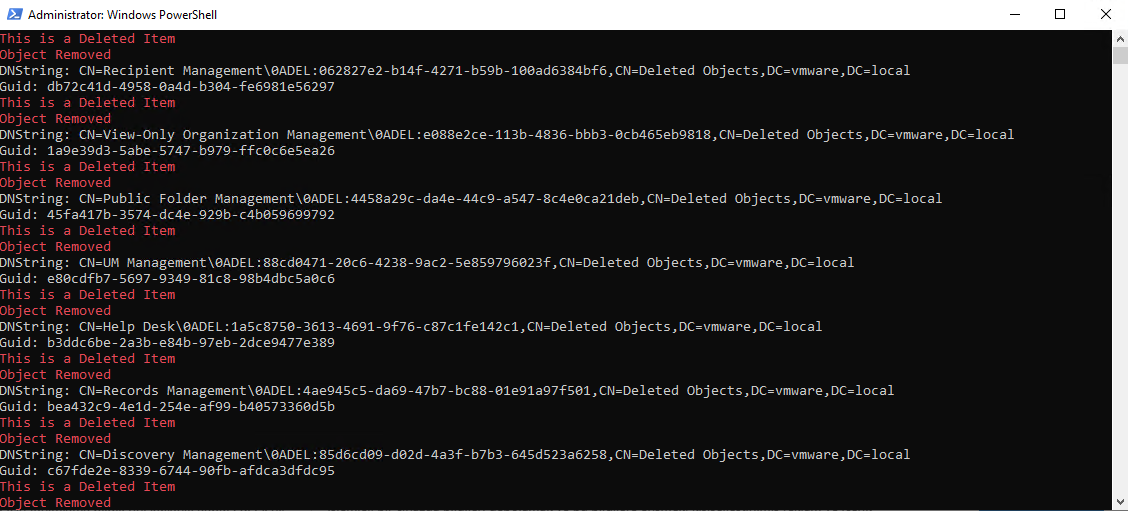
Scripti çalıştırdığınızda aşağıdaki gibi bir çıktı göreceksiniz.
Exchange kurulumunu yeniden başlattığınızda sorunsuz bir şekilde devam edecektir.